The story
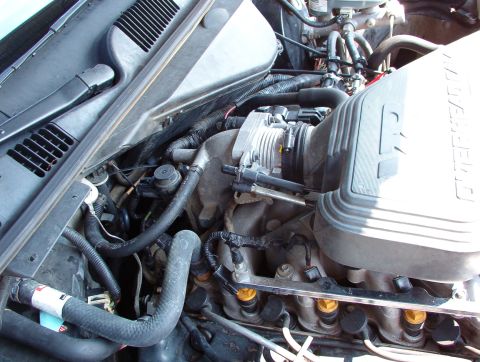
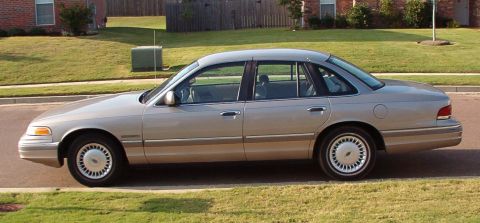
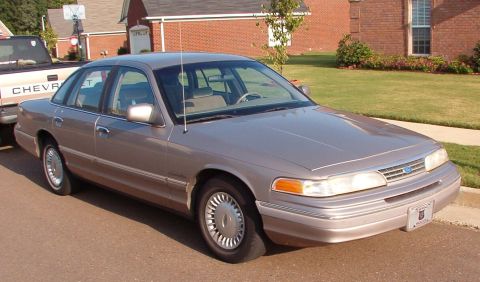
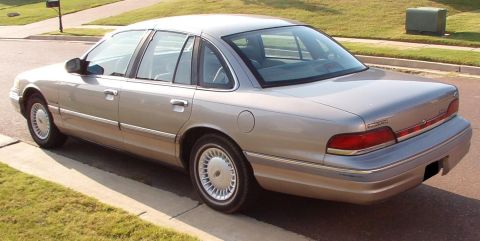
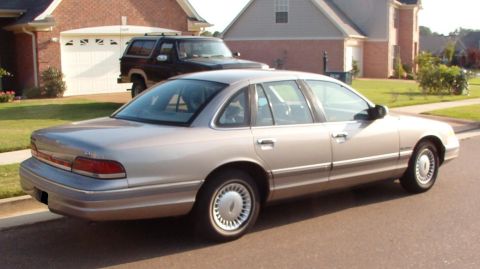
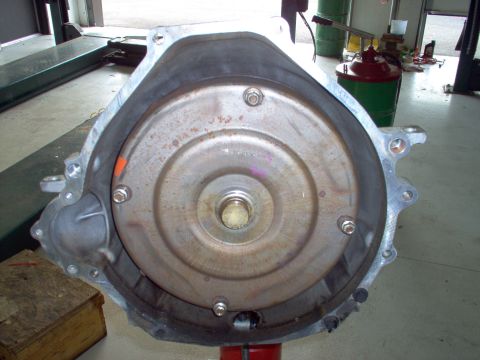
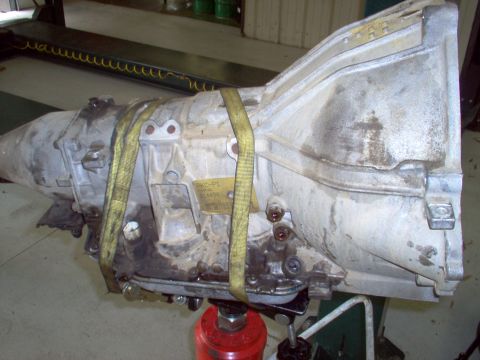
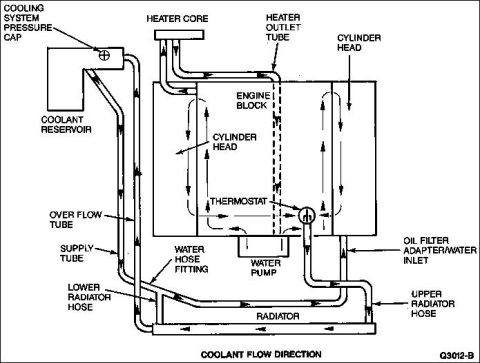
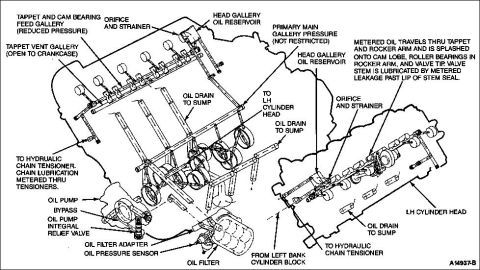
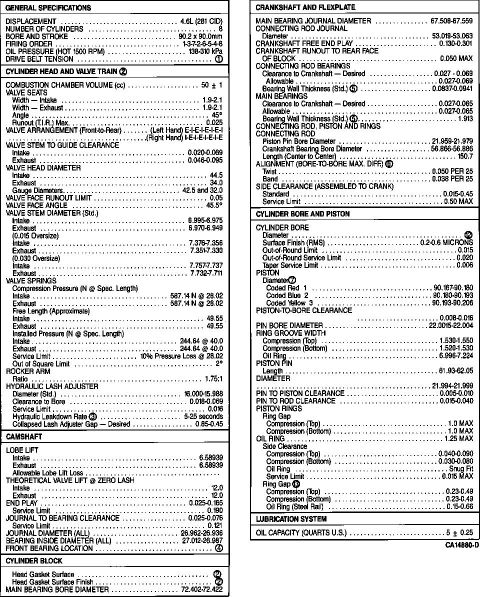
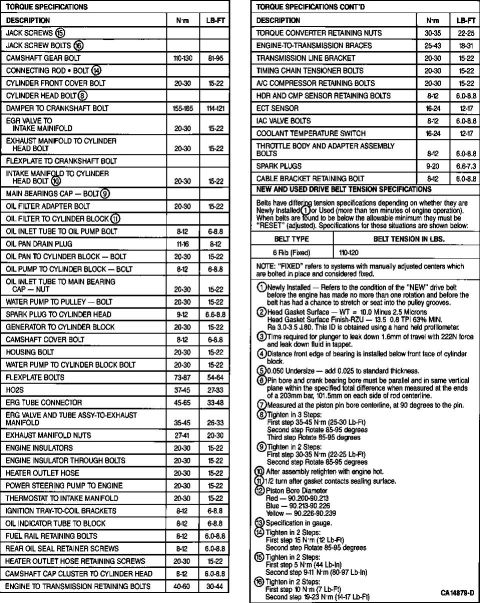
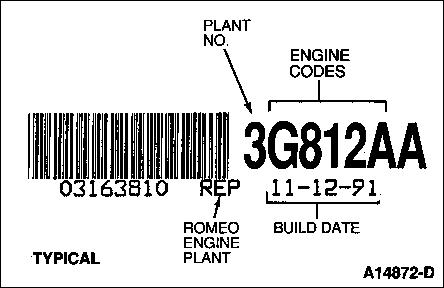
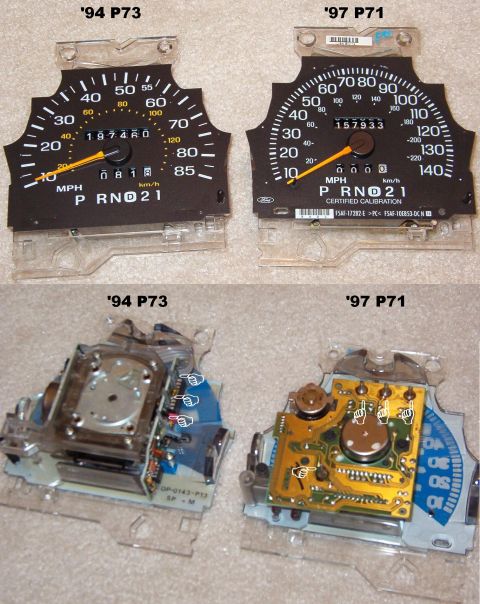
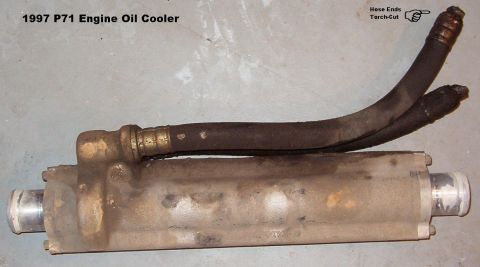
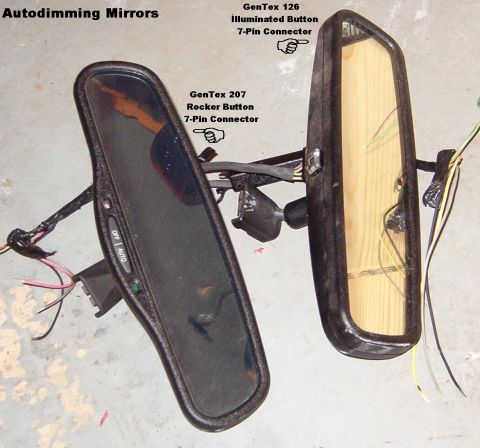
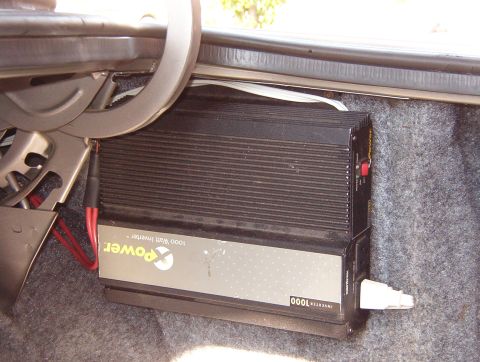
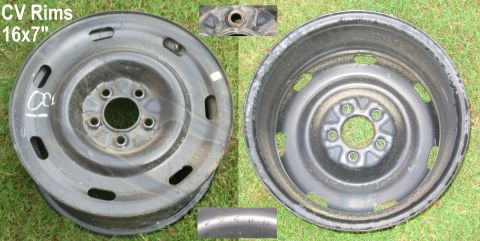
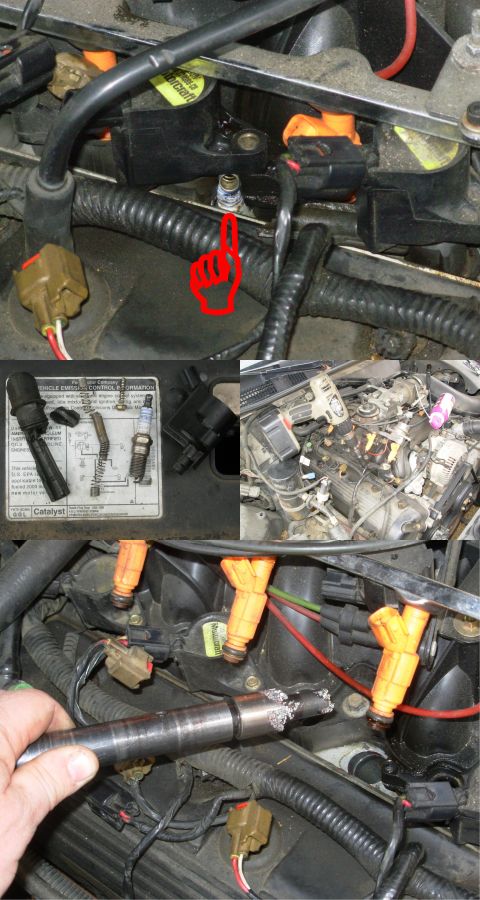
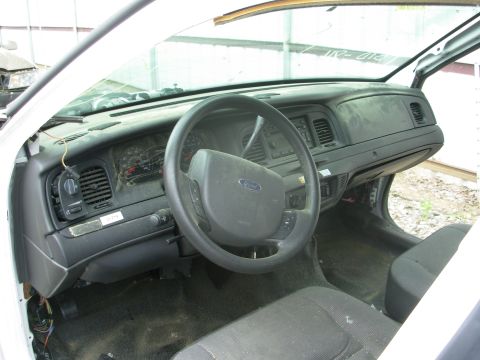
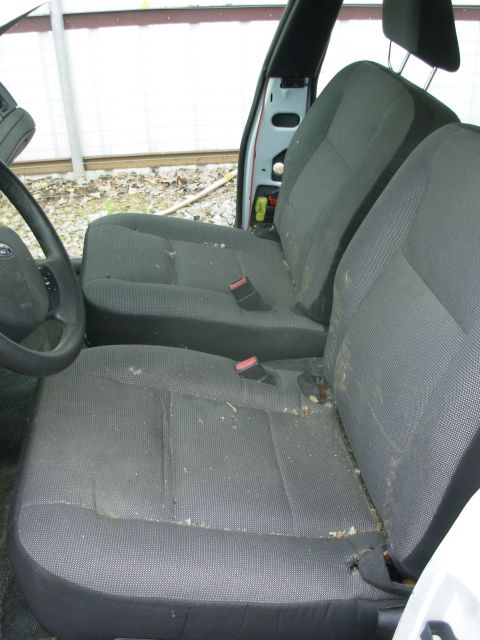
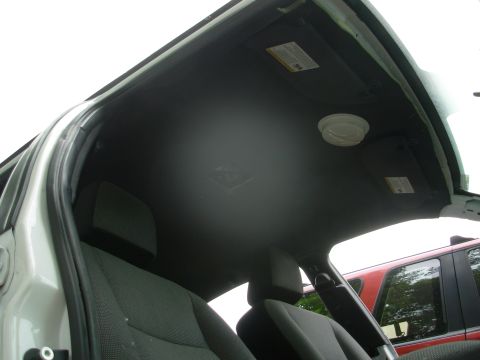
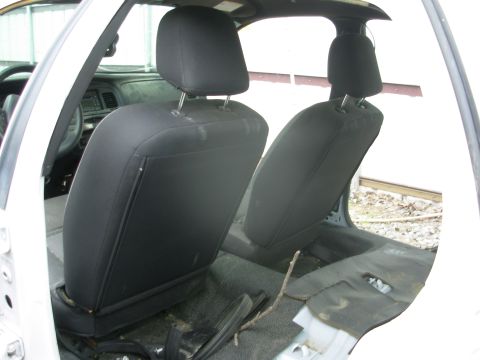
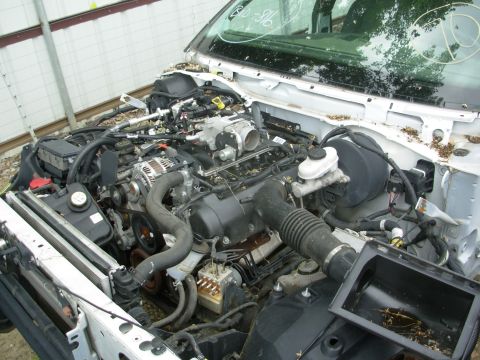
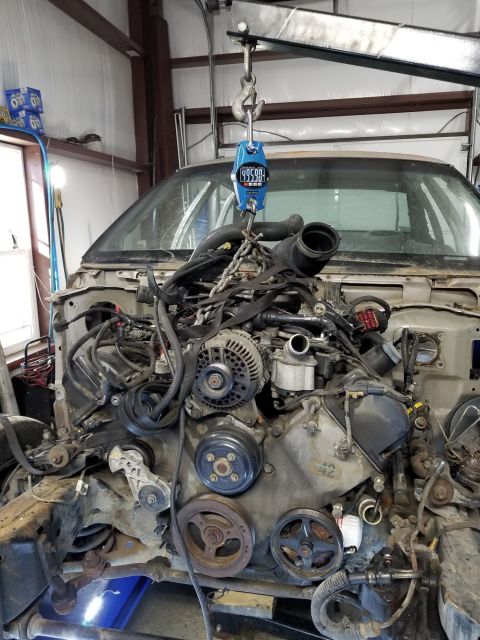
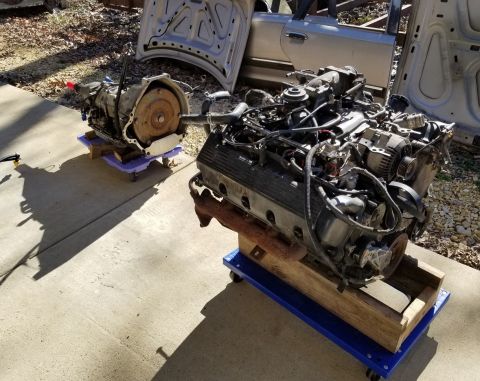
Bought used at auction sight unseen in 8/04. Blew the engine during the change to synthetic oil, so I got the engine & trans from a 2000 Grand Marquis & the PCM from a '99 cop car, and rewired my dash so the '00 engine bay harness would plug in with virtually no mods. The fuel tank was also swapped to include the later FTP sensor. At the same time, it was converted to factory dual exhaust, & an aluminum d'shaft was swapped in. I've also hard-wired a 1kW power inverter into the trunk and rebuilt the speedometer (140mph from a P71) so the odometer works again. It went about a year with a stripped gear, so exact mileage is unknown. Planned mods include '98-02 front suspension (for the brakes), 16" rims (to fit over the brakes), & paint.
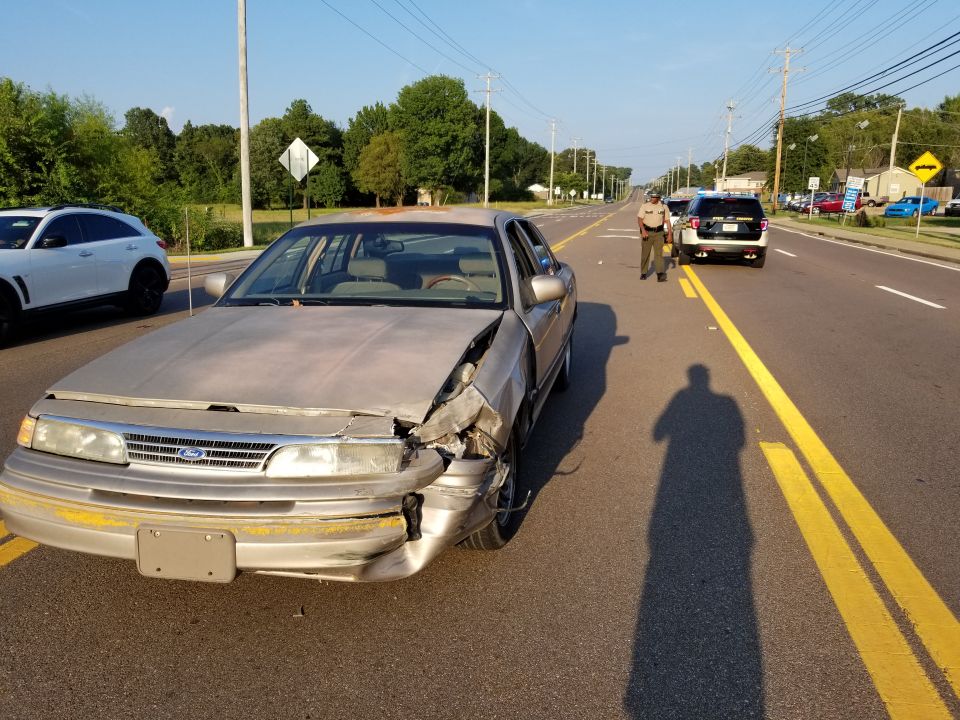
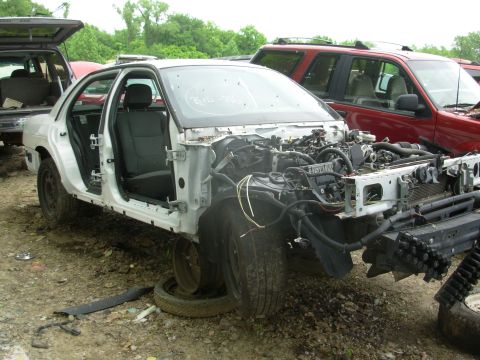
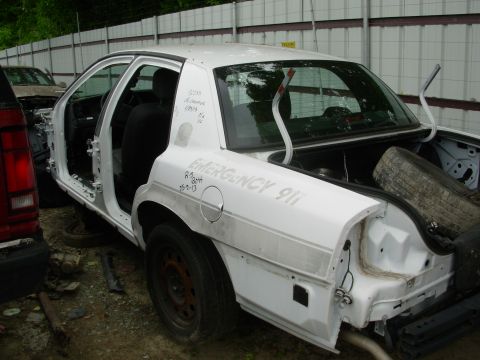
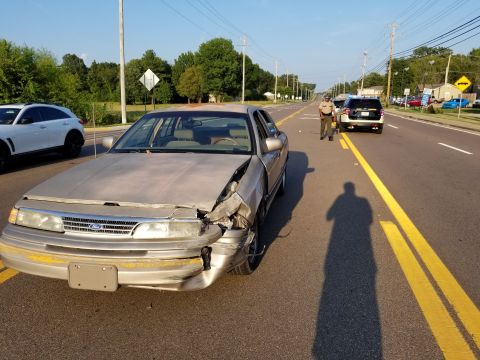
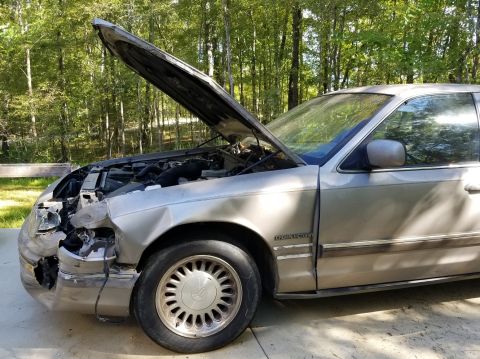
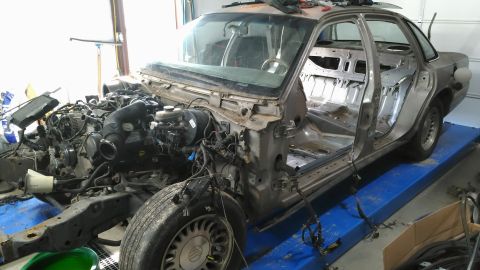
Totalled 8-27-18 when a Freestyle whipped out in front of me (100% her fault, confirmed by the cops & insurance). — Steve83
Day one vs. today
Drag to compare 2004 against 2024.
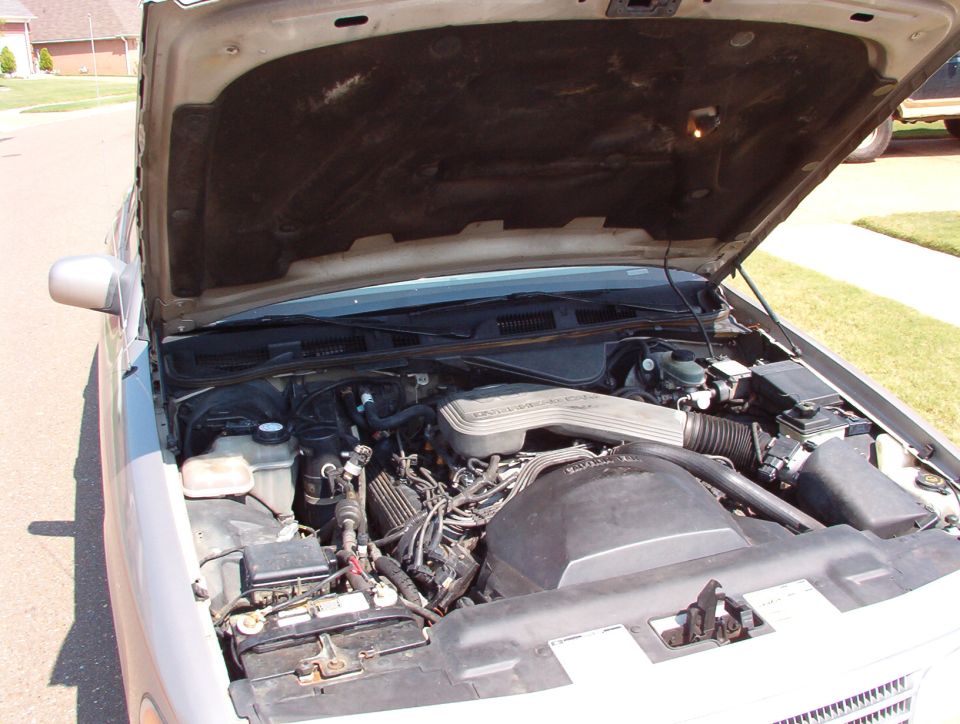
Photo history
1,012 photos across 17 years — drag the dot to travel through this vehicle’s life. Captions are the owner’s; where there isn’t one, the AI caption fills in.
2004
72 photos added — showing 8
2005
538 photos added — showing 8
2006
181 photos added — showing 8
2007
19 photos added — showing 8
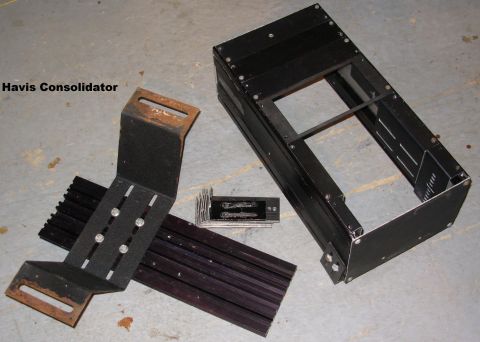
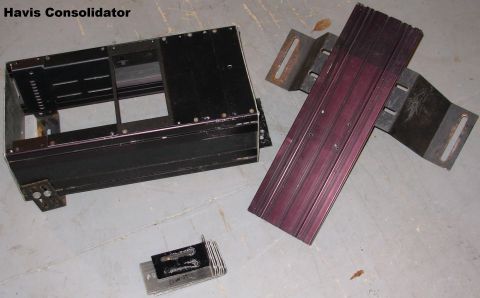
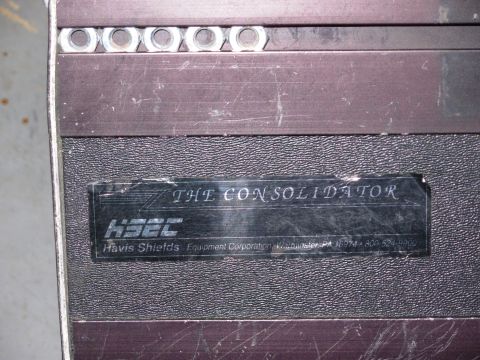
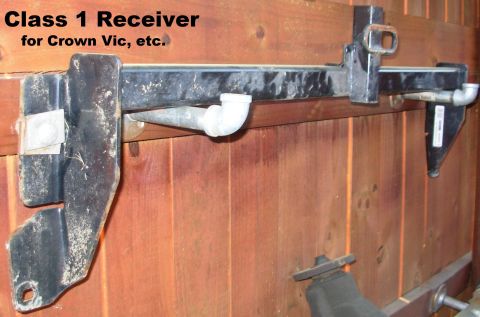
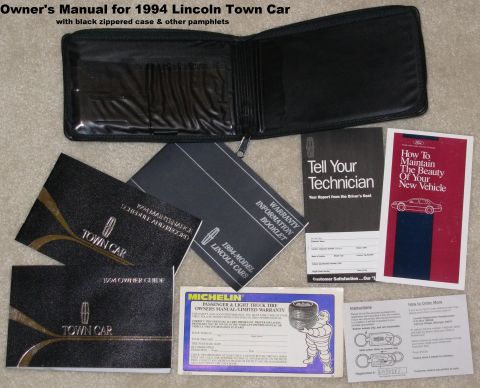

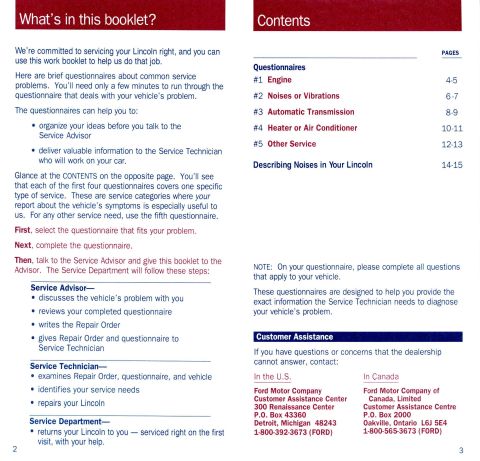
2008
46 photos added — showing 8
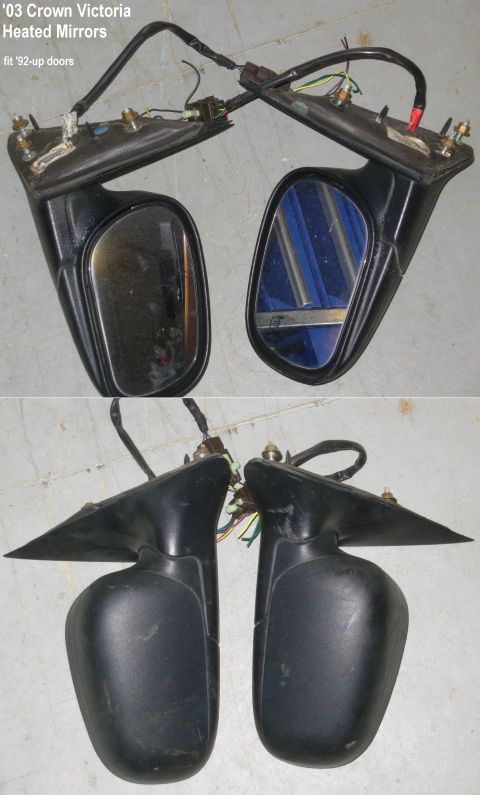
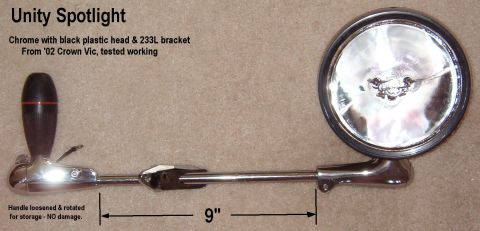
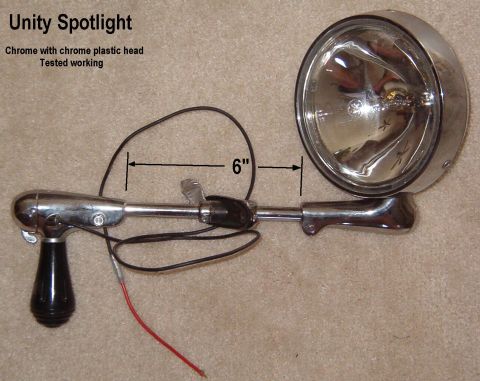
![1994 Ford Crown Victoria - Unity Spotlight powdercoated black [url=http://www.supermotors.net/vehicles/registry/media/287015] http://www.supermotors.net/getfile/28701…](https://www.supermotors.net/thumb/676665-480.jpg)
2009
29 photos added — showing 8
2010
14 photos added — showing 8
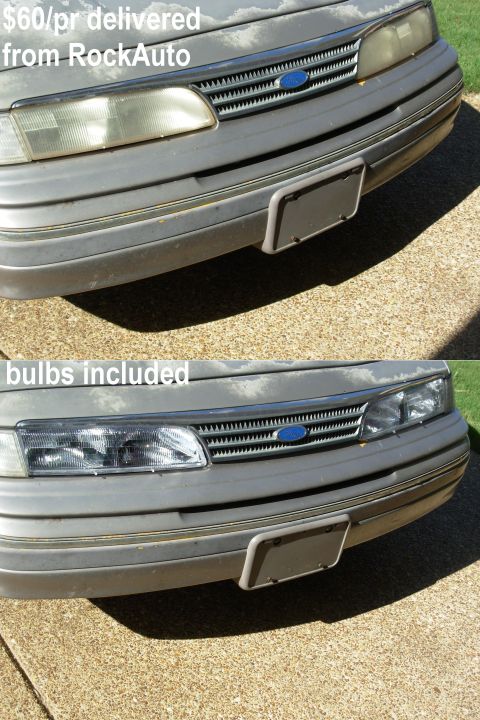
2011
25 photos added — showing 8
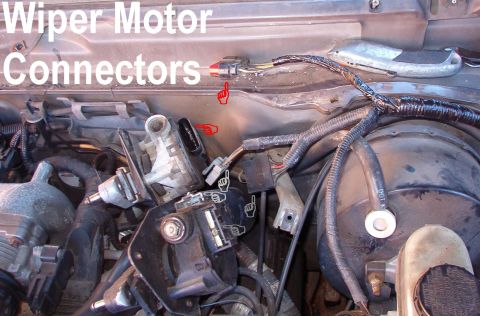
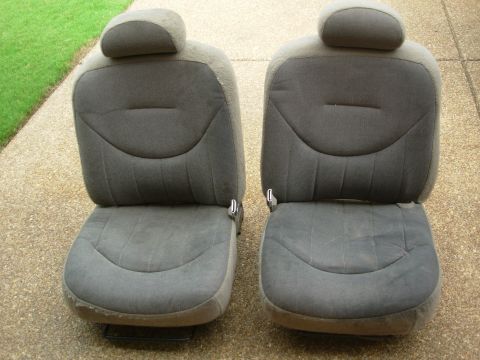
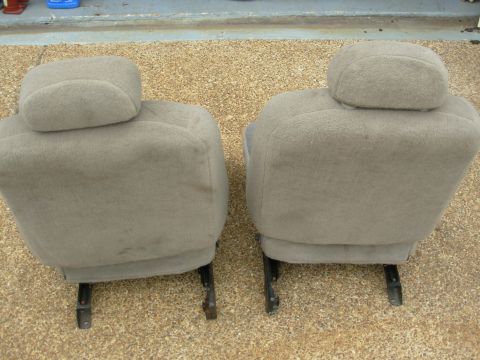
2012
3 photos added
2013
37 photos added — showing 8
2015
1 photo added
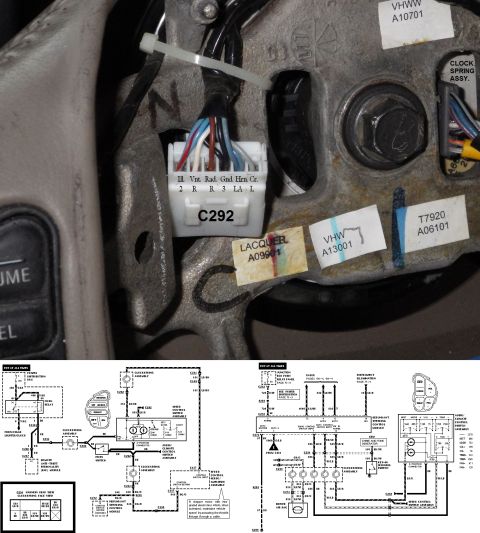
2016
3 photos added
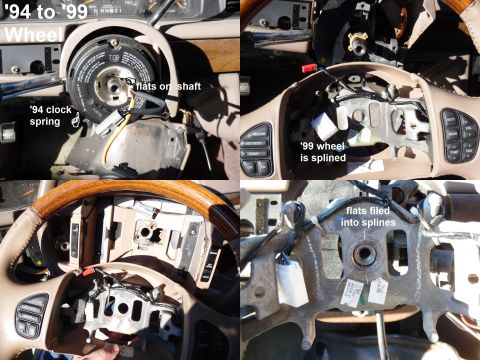
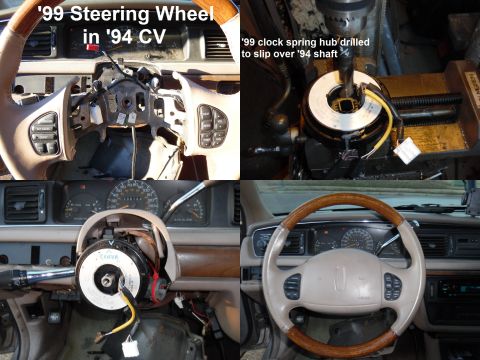
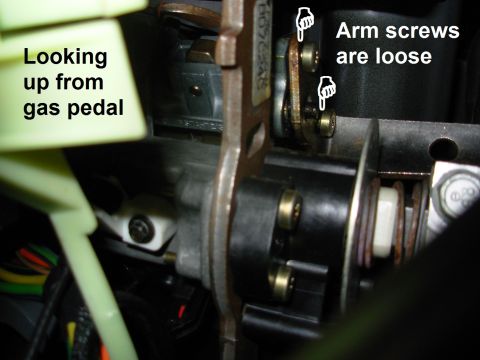
2018
1 photo added
2019
8 photos added
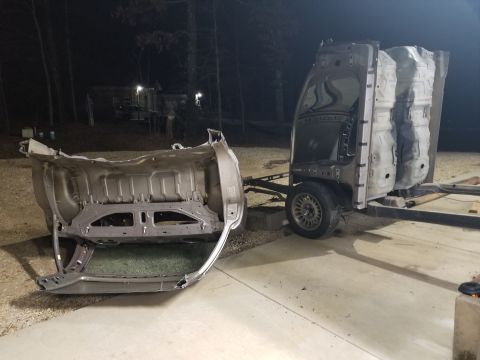
2021
1 photo added
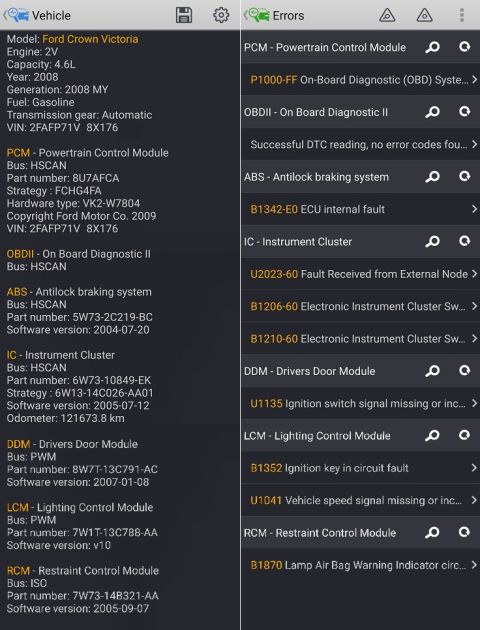
2022
1 photo added
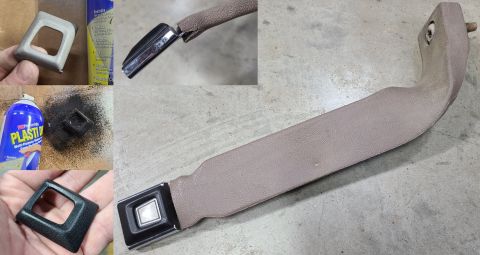
2024
1 photo added
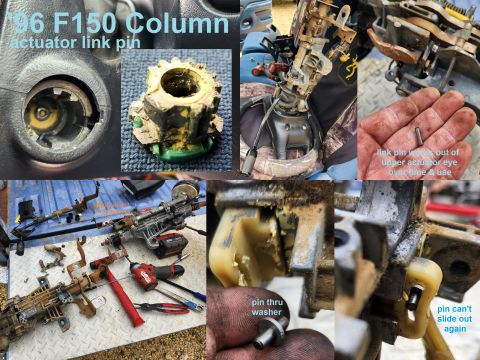
The peanut gallery
Spotted in the wild
Seen this vehicle at a show or on the trail? Add your shot — the owner approves it onto the record.
No comments yet — be the first to add to the record.