SuperMotors SuperMotors SUPERMOTORS Search — try “orange Bronco on 35s”
Home/ Registry/ Ford/ Probe/ 1993–1997/ “GT 2 NV”/ PNW Pic Post How-to supermotors.net/registry/10255/30374

Album section

PNW Pic Post How-to

From 1996 Ford Probe “GT 2 NV” — documented by ouch1011.

12 photos
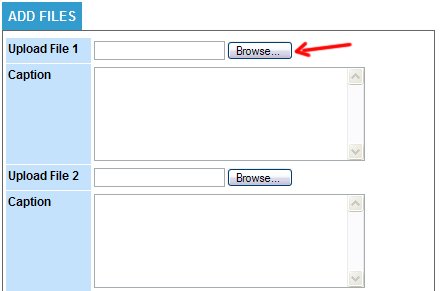
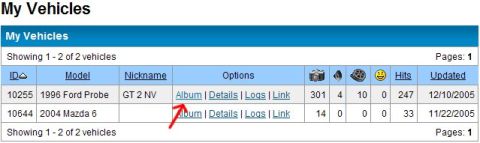
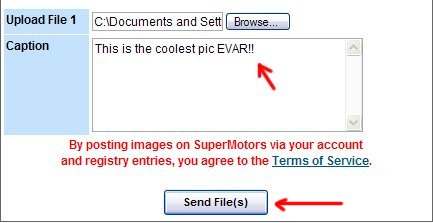
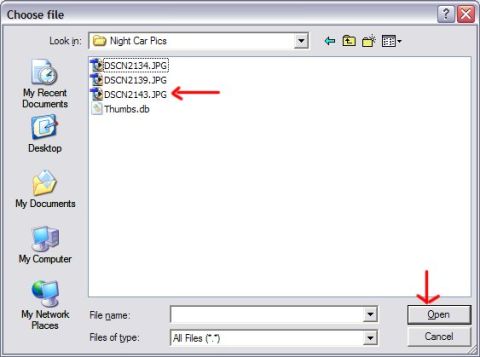
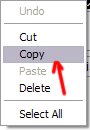
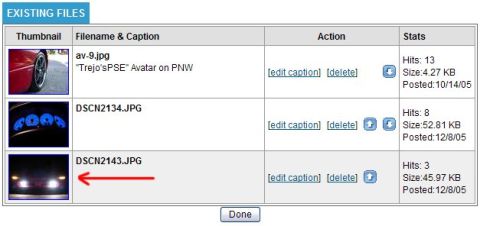
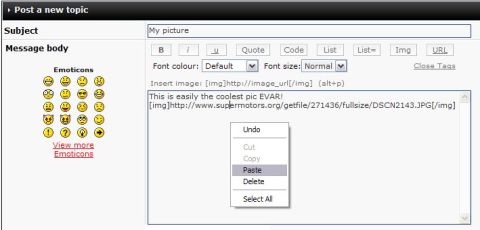
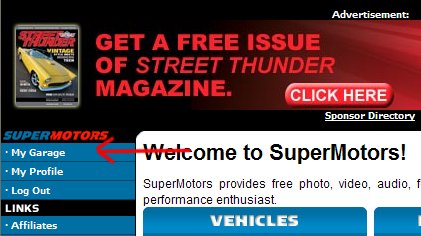
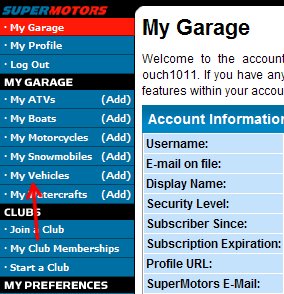
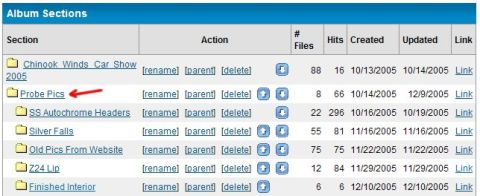
1996 Ford Probe - Interface for uploading files, with fields for file selection and captions. 1996 Ford Probe - A screenshot of a vehicle registry page displays a list of registered vehicles with their details and statistics. 1996 Ford Probe - A screenshot of a web page for uploading files and adding captions, with red arrows pointing to elements. 1996 Ford Probe - A screenshot of a Windows file explorer dialog box titled 'Choose file'. 1996 Ford Probe - A computer menu displays options like Undo, Cut, Copy, Paste, Delete, and Select All. 1996 Ford Probe - A close-up view of car headlights illuminated in the dark. 1996 Ford Probe - This image displays a webpage table with details about a 1996 Ford Probe, including posting date and file size. 1996 Ford Probe - A screenshot of a website forum post interface, showing subject and message body fields with formatting options and emoticons. 1996 Ford Probe - Advertisement for Street Thunder Magazine with a graphic of a yellow car. 1996 Ford Probe - Screenshot of the SuperMotors website's navigation menu, showing the 'My Vehicles' option. 1996 Ford Probe - This image displays a list of album sections from a website, with the 'Probe Pics' section indicated by a red arrow. 1996 Ford Probe - This image displays the process for embedding images into forum posts, including a URL and a select button.