Parts catalog screenshot: 2013 Ford Taurus antenna and radio par…

Add Sat RadioView all 14
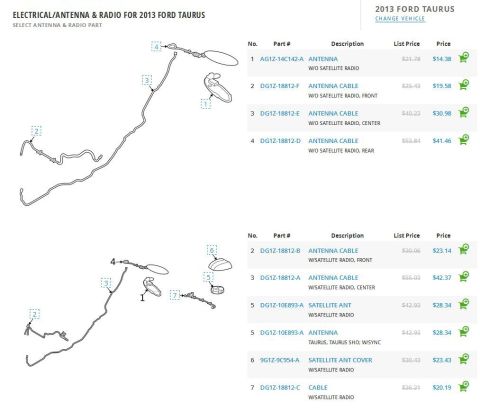
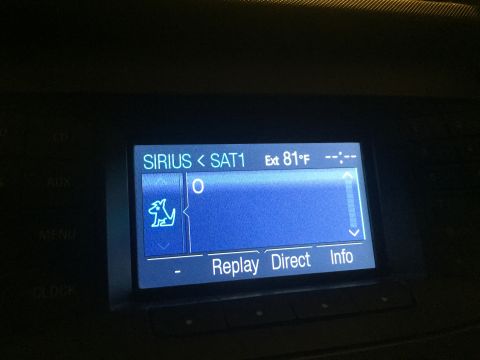
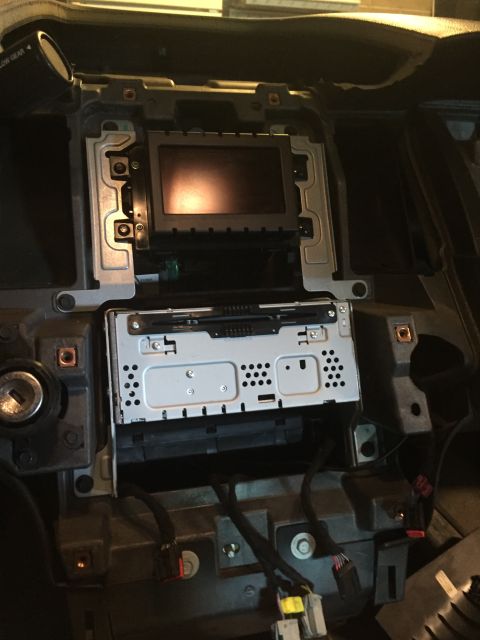
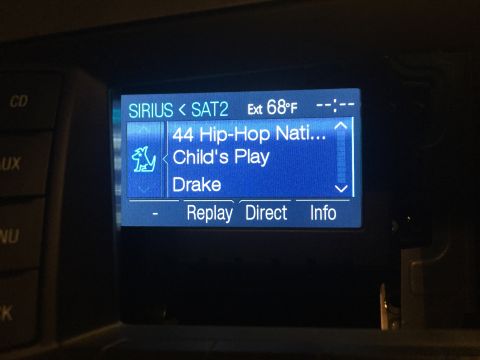
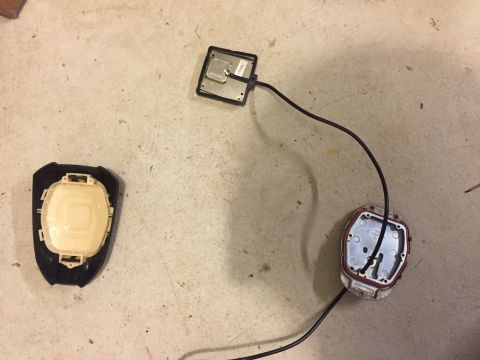
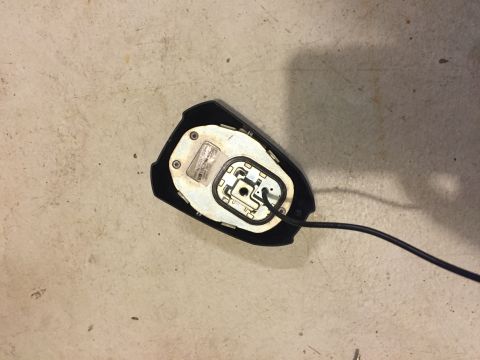
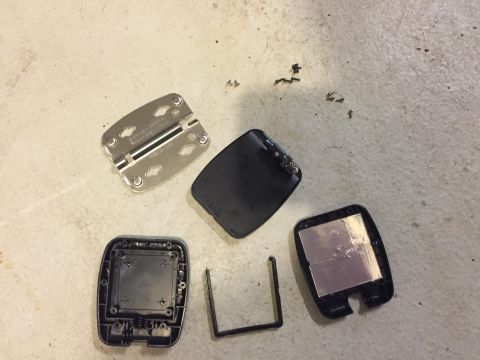
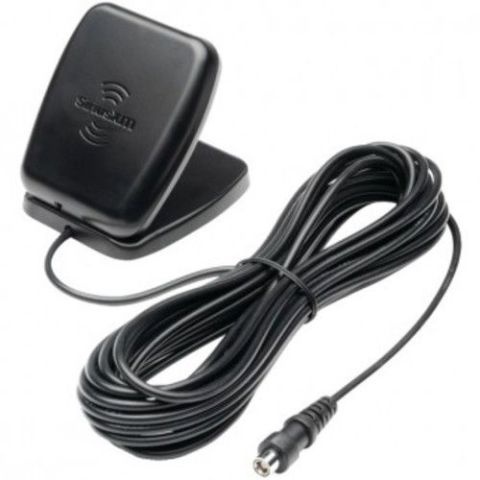

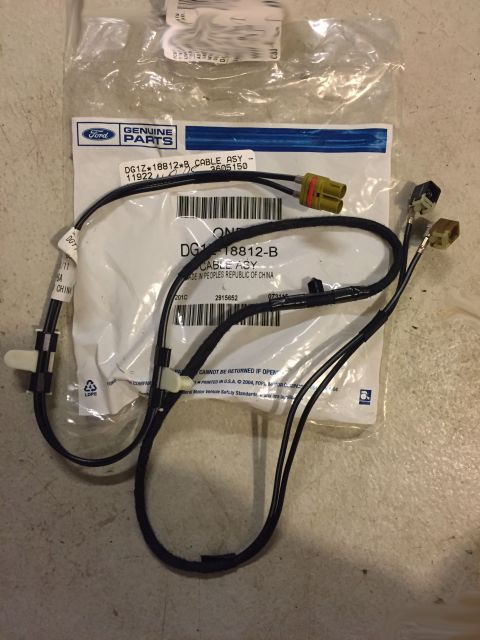
That is the parts list and prices for all OEM Taurus sat radio parts. With factory ordered sync you would only need the part that goes from the kick panel to the head unit (ACM) that wire part is DG1Z18812B (#2). Otherwise, you will need all of the parts for this to work. You will also need to reprogram the FCDIM Module (4.2 screen) using FORscan or Ford IDS to enable the SiriusXM Button.
This was done using FORscan: (you will need to register and get extended license)
http://forscan.org/download.html
OBDLink MX Bluetooth Scan Tool:
https://www.scantool.net/obdlink-mxbt/
and a bluetooth enabled laptop.
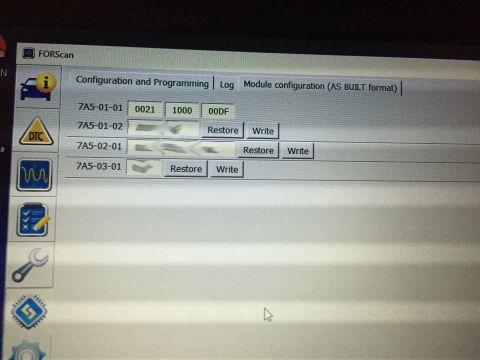
The changes are at 7A5-01-01 (FCDIM)
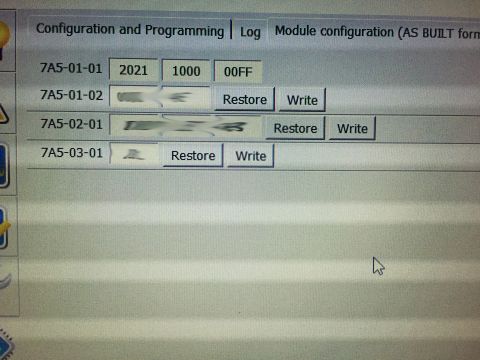
The values are changed from non-siriusXM enabled to siriusXM enabled by doing the following changes:
(factory ordered sync car, may also enable AUX port)
FCDIM 7A5-01-01 from: 0021 1000 00DF to: 2021 1000 00FF
Is this accurate? Sign in to help verify it.
No comments yet.