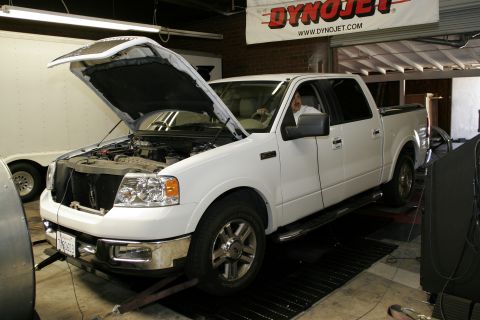
mac01.JPG 7756 hits | 80.85 KB | Posted: 1/16/07 Simple F150 performance mods from MAC and Edge Products
[b]Story and photos by Arthur Jens...
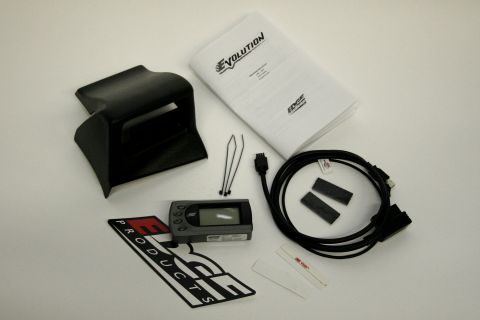
mac02.JPG 5571 hits | 49.5 KB | Posted: 1/16/07 The Edge Products Evolution programmer includes everything you need for a clean, easy install, inclu...
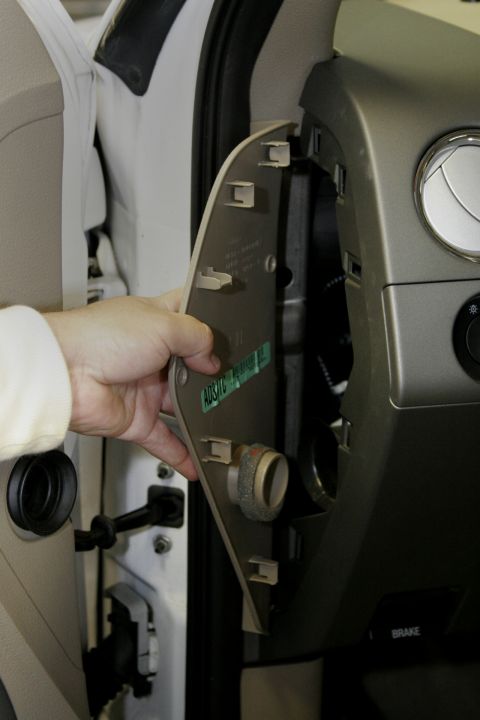
mac03.JPG 5222 hits | 56.27 KB | Posted: 1/16/07 Start by removing the drivers side dash access panel.
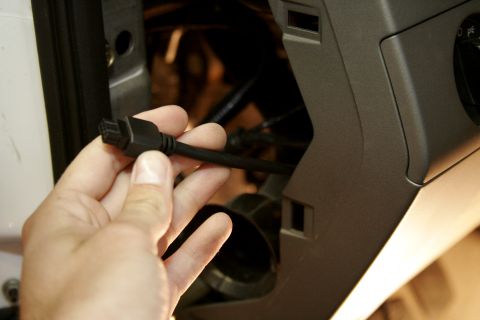
mac04.JPG 4732 hits | 58.53 KB | Posted: 1/16/07 Feed the Edge cable up from the bottom of the dash being careful to avoid any sharp corners that cou...
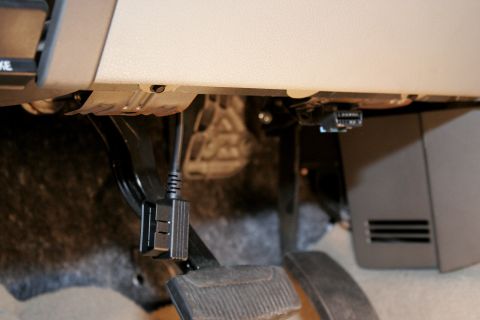
mac05.JPG 4867 hits | 58.19 KB | Posted: 1/16/07 You want to leave just enough cable at the bottom to reach the OBD2 port near the drivers right knee...
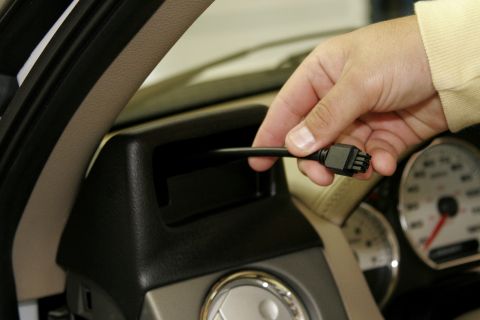
mac06.JPG 4998 hits | 60.66 KB | Posted: 1/16/07 Feed the cable around the edge of the dash and through the back of the new Edge housing. Leave a lit...
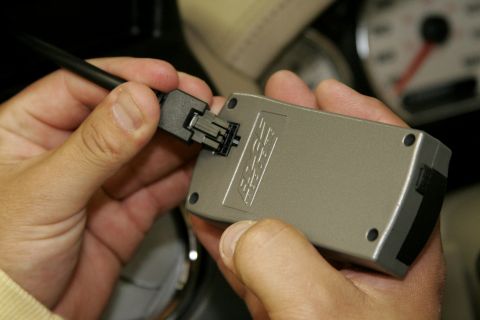
mac07.JPG 4986 hits | 59.54 KB | Posted: 1/16/07 With the key off, plug the cable into the OBD2 port and the back of the Evolution programmer, then u...
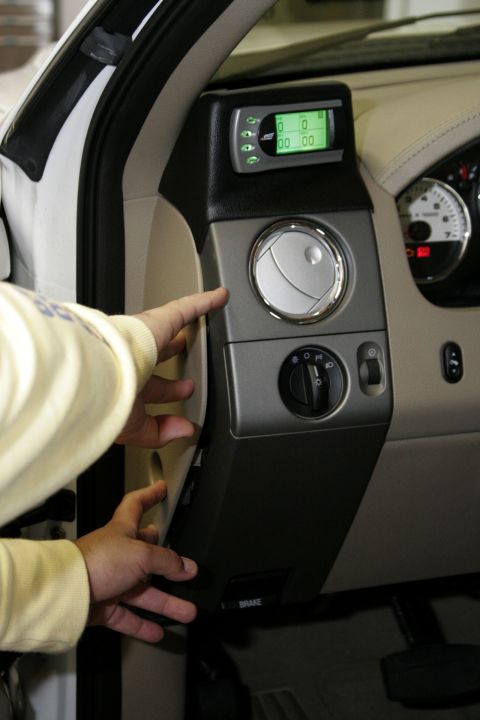
mac08.JPG 5185 hits | 62.49 KB | Posted: 1/16/07 Turn the key on and follow the on-screen prompts to finish setting up the Evolution. Once everything...
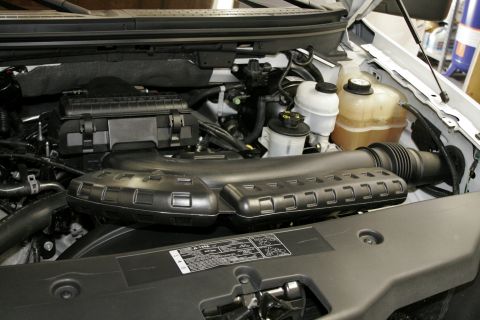
mac09.JPG 4865 hits | 81.79 KB | Posted: 1/16/07 Now that the programmer is done we can move on to the engine bay. The stock intake is large, ugly, a...
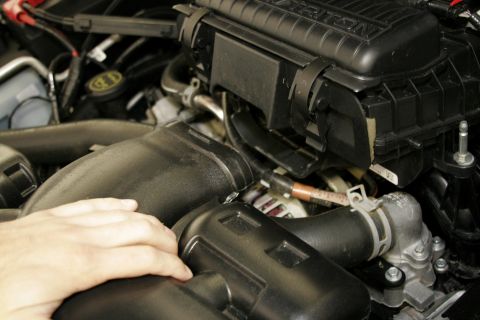
mac10.JPG 4988 hits | 75.33 KB | Posted: 1/16/07 The air inlet tube simply pulls out of the air box. On the body end it's held in with a simple rubbe...
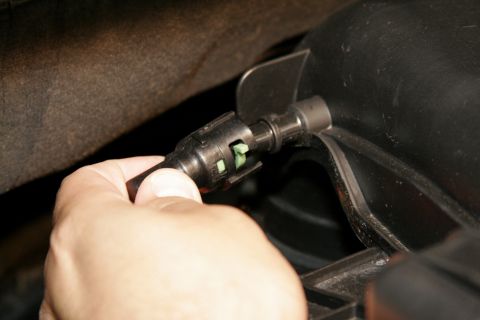
mac11.JPG 4727 hits | 56.66 KB | Posted: 1/16/07 Remove this sensor fitting on the passenger side of the air box near the firewall by turning the gre...
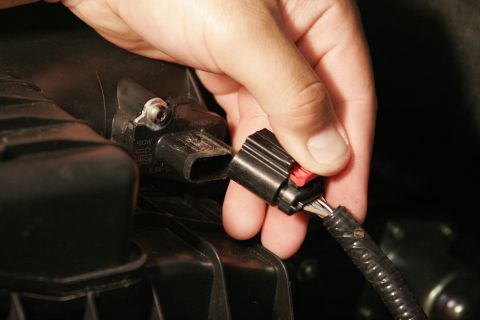
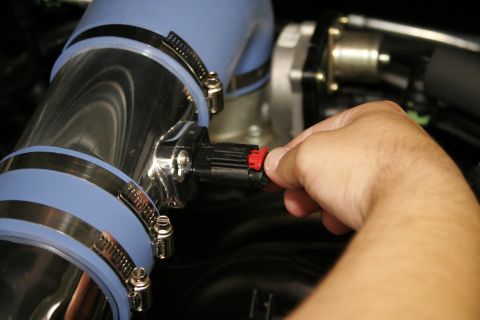
mac12.JPG 5097 hits | 59.86 KB | Posted: 1/16/07 To unlock the MAF sensor lead, press down on the red clip and pull straight out.
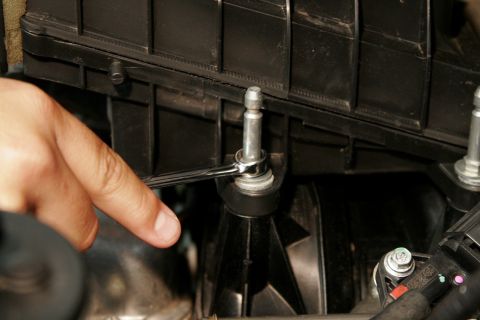
mac13.JPG 5074 hits | 65.67 KB | Posted: 1/16/07 These bolts hold the air box in place on the engine.
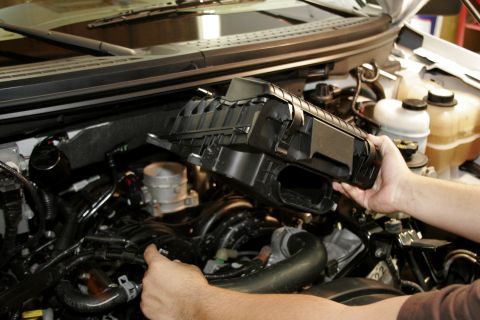
mac14.JPG 5293 hits | 87.98 KB | Posted: 1/16/07 With the bolts removed, the air box can be pulled away from the throttle body by hand, the MAF senso...
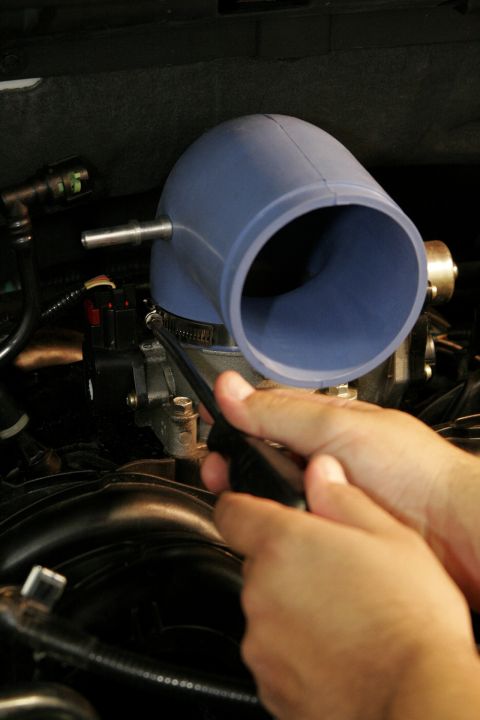
mac15.JPG 4715 hits | 59.16 KB | Posted: 1/16/07 Using one of the provided clamps, loosely attach the elbow to the throttle body.
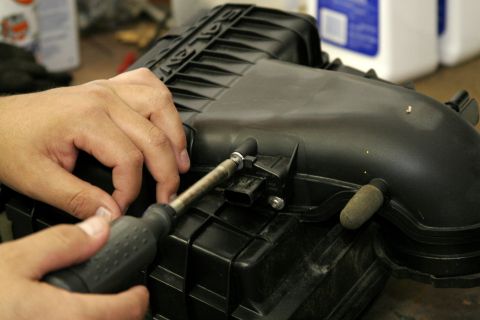
mac16.JPG 6215 hits | 65.14 KB | Posted: 1/16/07 A special bit to remove the MAF sensor is included with the intake, remove and save the screws, then...
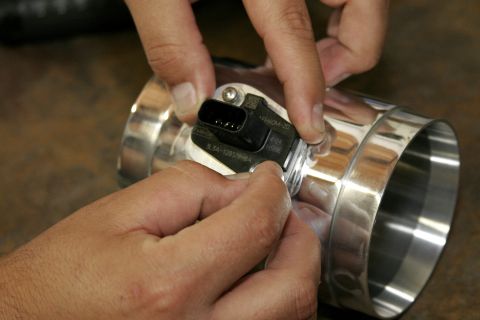
mac17.JPG 4860 hits | 62.6 KB | Posted: 1/16/07 Using the supplied Philips head screws, install the MAF sensor into the new billet housing.
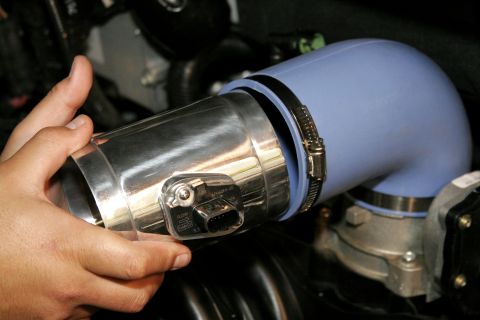
mac18.JPG 5238 hits | 67.41 KB | Posted: 1/16/07 Mount the new MAF housing with sensor installed into the elbow fitting on the engine with the flow a...
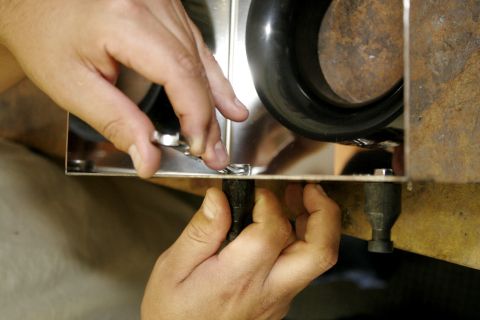
mac19.JPG 4809 hits | 67.38 KB | Posted: 1/16/07 Bolt the filter flange and mounting pegs to the heat shield with the six provided 10mm bolts.
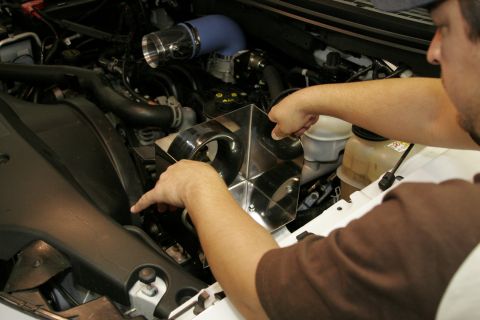
mac20.JPG 4743 hits | 73.37 KB | Posted: 1/16/07 The heat shield presses into two rubber grommets that must be installed in two existing holes in the...
mac21.jpg 4519 hits | 64.72 KB | Posted: 1/16/07 Reconnect the MAF sensor to its harness lead by pressing in until it locks.
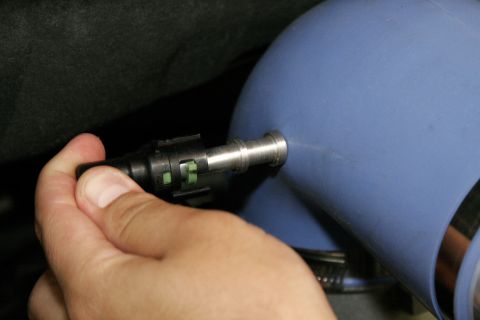
mac22.JPG 4894 hits | 49.91 KB | Posted: 1/16/07 Connect this rear sensor tube to its new billet fitting on the elbow.
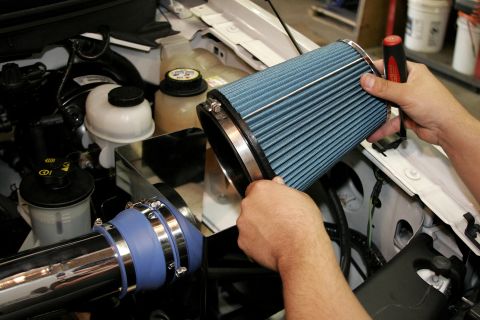
mac23.JPG 4370 hits | 87.81 KB | Posted: 1/16/07 Using the largest clamp, attach the new MAC filter to the mounting flange and tighten it in place.
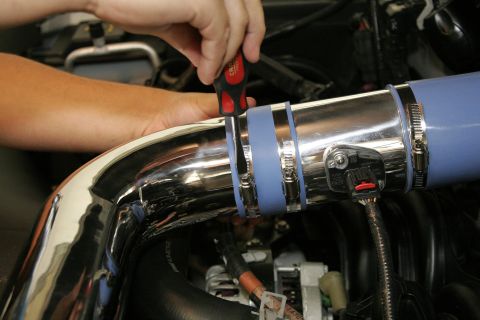
mac24.JPG 4610 hits | 73.6 KB | Posted: 1/16/07 Once everything is aligned and properly positioned, tighten the remaining clamps, but don't over tig...
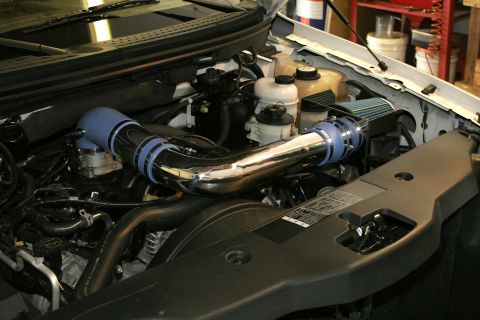
mac25.JPG 4537 hits | 85.92 KB | Posted: 1/16/07 Here is the finished intake, much simpler and cleaner then the stock unit.
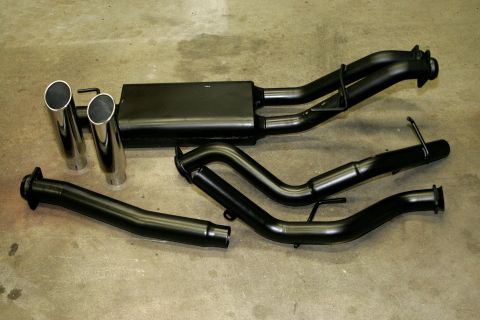
mac26.JPG 4438 hits | 77.15 KB | Posted: 1/16/07 Now for the exhaust. Here is the complete MAC cat-back system. The black coating prevents rust and c...
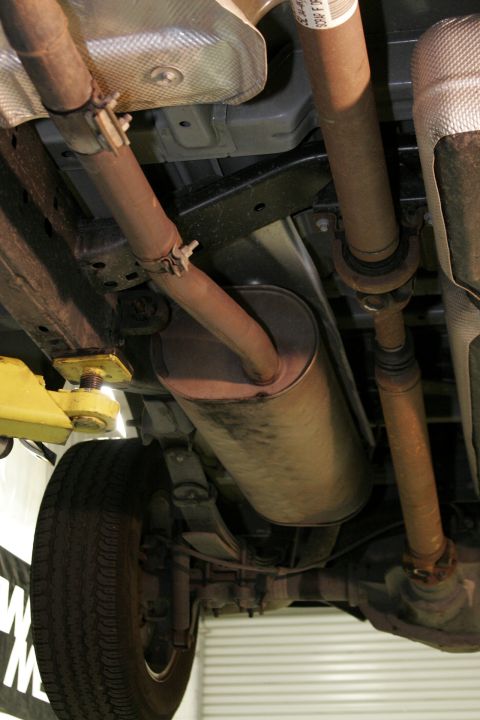
mac27.JPG 4331 hits | 76.16 KB | Posted: 1/16/07 Of course this job is easier with the truck on the lift but this is something you could do simply in...
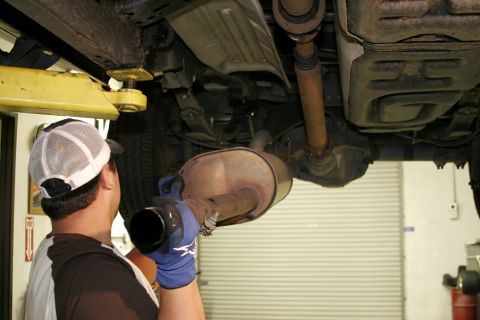
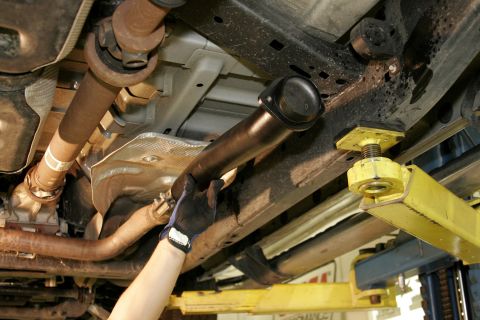
mac28.JPG 4642 hits | 74.91 KB | Posted: 1/16/07 With the clamp loose, work the stock system free by pushing it towards the back of the truck while r...
mac29.JPG 4856 hits | 94.77 KB | Posted: 1/16/07 Install the new connector tube into the stock front section but leave it loose so it can rotate to m...
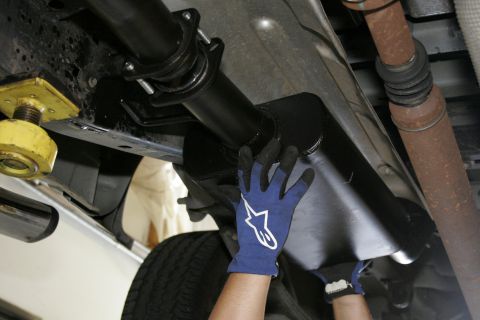
mac30.jpg 4702 hits | 71.97 KB | Posted: 1/16/07 With the new studs screwed into the connecter pipe and muffler rear flanges, hang the new muffler us...
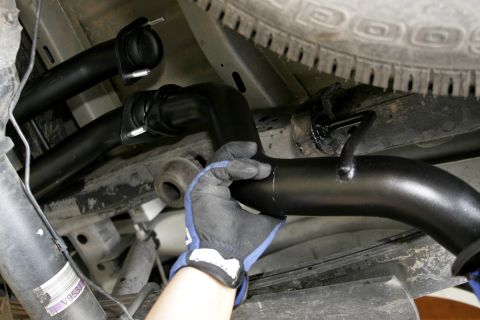
mac31.JPG 4920 hits | 74.8 KB | Posted: 1/16/07 Hang the front exhaust outlet using the stock mount, then thread the nuts onto the studs by hand.
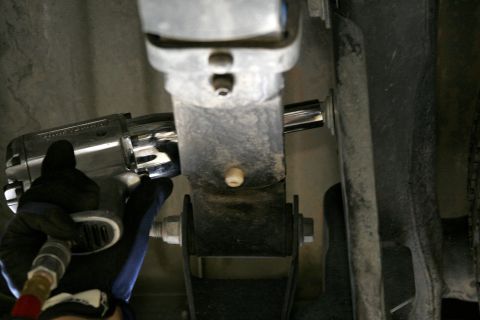
mac32.JPG 4837 hits | 62.04 KB | Posted: 1/16/07 The rear outlet needs a new mount attached to the frame, the bracket can bolt on here above the shac...
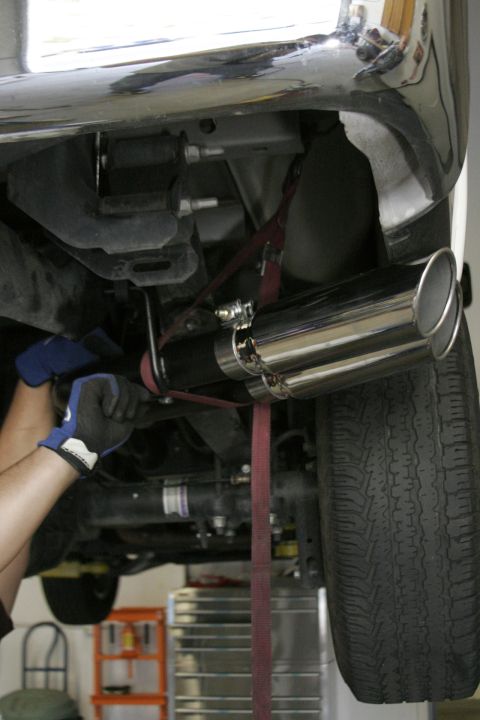
mac33.JPG 4603 hits | 67.84 KB | Posted: 1/16/07 With the pipes hung, bolt the two together and align the tips before tightening the whole system. A ...
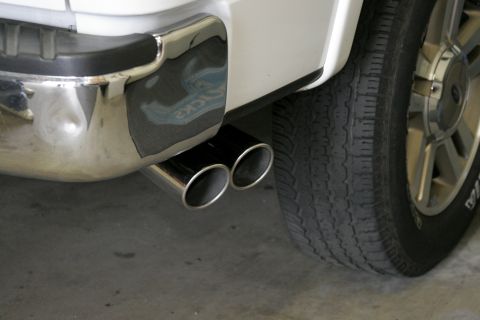
mac34.JPG 4578 hits | 57.04 KB | Posted: 1/16/07 Here is the finished product back on the ground. The bolt-on tips make re-aligning or replacing them...
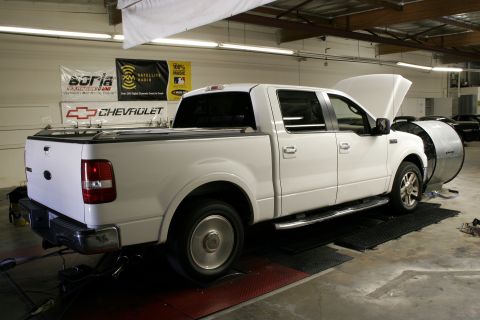
mac35.JPG 5050 hits | 73.57 KB | Posted: 1/16/07 Back on the LA Performance Division Dynojet for an after test, and with the Edge programmer set to p...
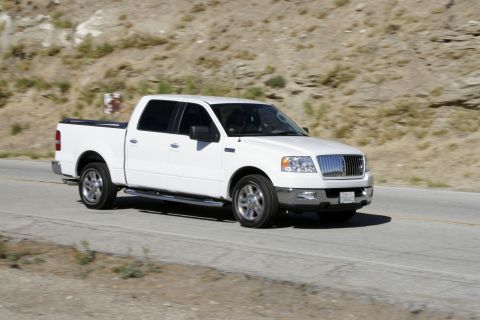
mac36.JPG 5756 hits | 73.87 KB | Posted: 1/16/07 Out on the road the improved midrange made the truck much more enjoyable to drive. The exhaust and i...
|
|