Home/
Registry/
Mercury/
Grand Marquis/
1992-1997/
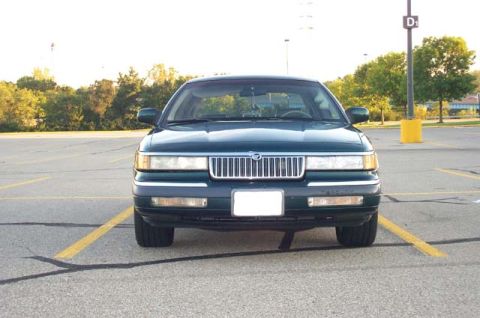
“The "LSE S/C"”/
Photo
supermotors.net/registry/media/480832
Mercury Grand Marquis Speed Control (Cruise) ON Button & 30 mph Minimum Speed

Reference · 1992-1997 Grand MarquisAll 2 manual pages
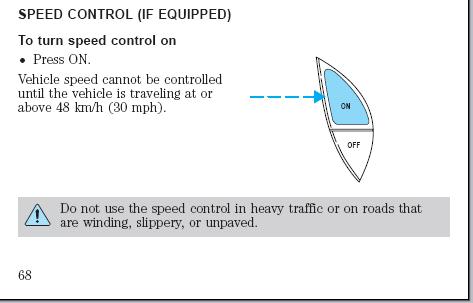
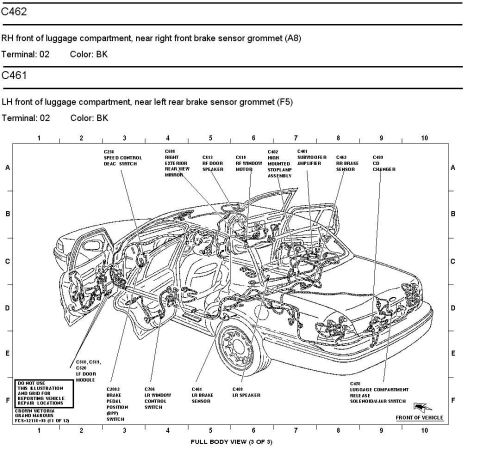
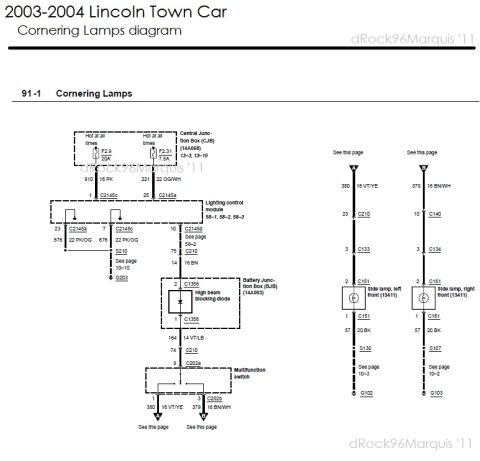
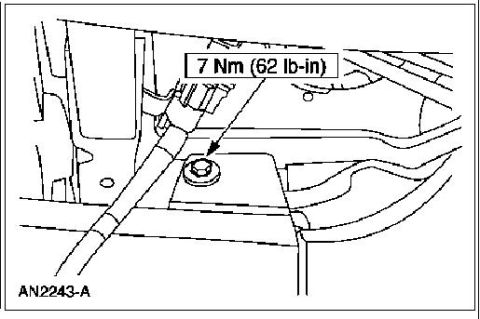

Owner's-manual page (page 68) explaining how to turn on speed control, with a steering-wheel switch figure and caution.
Part of 1992-1997 Mercury Grand Marquis Manual Pages
This is page 68 of a vehicle owner's manual covering the speed control (cruise control) system, applicable to vehicles equipped with the option. It explains how to turn the speed control on: the driver presses the ON button, shown in an accompanying illustration of the steering-wheel-mounted control pad with ON and OFF buttons (a dashed arrow points to the ON button). The page notes an important operating limitation: vehicle speed cannot be controlled by the system until the vehicle is traveling at or above 48 km/h (30 mph). A boxed warning at the bottom of the page, marked with a caution triangle, advises the driver not to use the speed control in heavy traffic or on roads that are winding, slippery, or unpaved. The page was uploaded to a gallery for a 1996 Mercury Grand Marquis, though the page itself does not state a year, make, or model. A reader learns the activation procedure, the minimum engagement speed for cruise control, the physical location/appearance of the ON/OFF buttons, and the safety conditions under which cruise control should not be used.
Is this accurate? Sign in to help verify it.
Frequently asked questions
- How do I turn on the speed control (cruise control)?
- Press the ON button on the steering wheel control pad, as shown in the manual's illustration.
- What is the minimum speed for cruise control to work?
- Vehicle speed cannot be controlled until the vehicle is traveling at or above 48 km/h (30 mph).
- When should I not use the speed control?
- The manual warns not to use the speed control in heavy traffic or on roads that are winding, slippery, or unpaved.
- Where are the speed control ON and OFF buttons located?
- The illustration shows ON and OFF buttons on a steering wheel-mounted switch pad, with ON positioned above OFF.
No comments yet.