SuperMotors SuperMotors SUPERMOTORS Search: try “orange Bronco on 35s”
Home/ Registry/ Ford/ Taurus/ 1992-1995/ “Marilyn”/ Photo supermotors.net/registry/media/37937

I open another picture, this one of a creek, and paste the Merc…
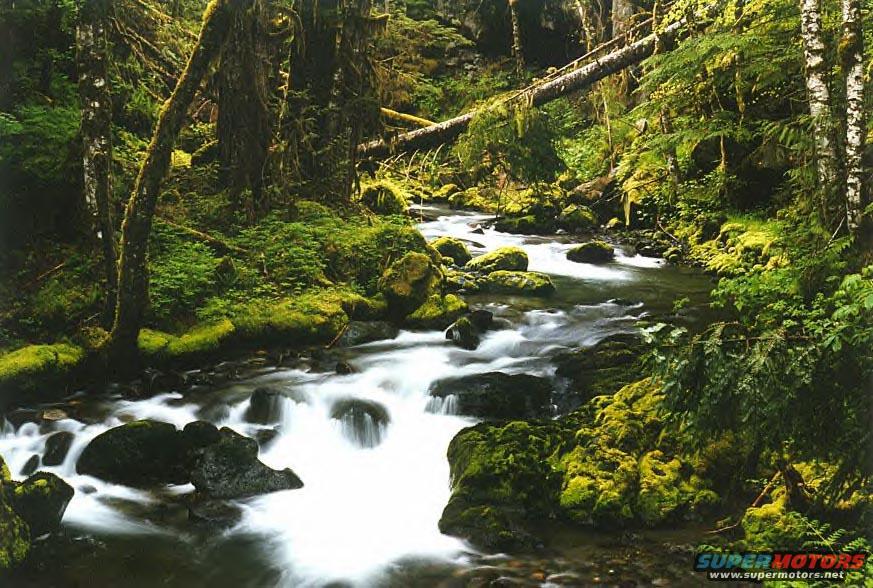
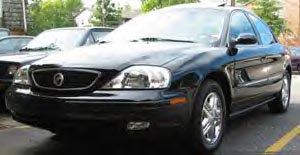
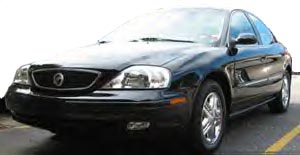
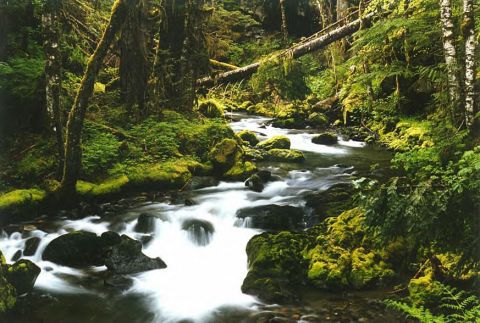
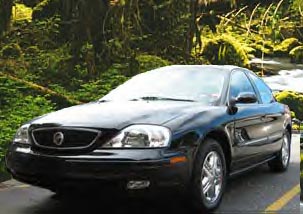
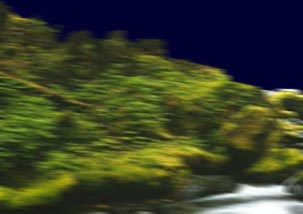
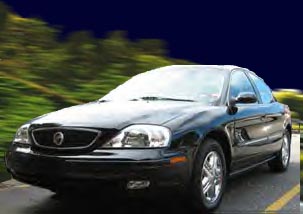
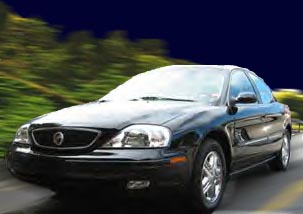
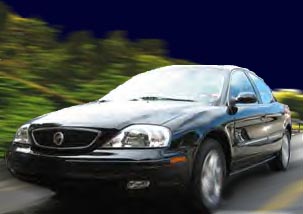
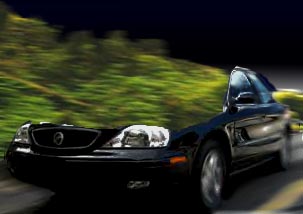
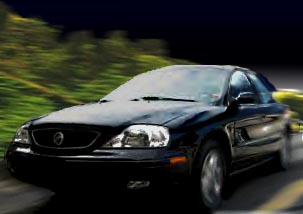
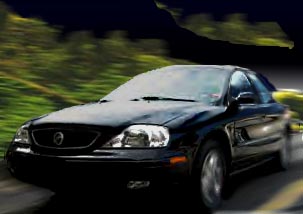
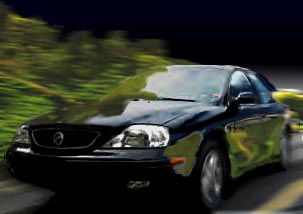
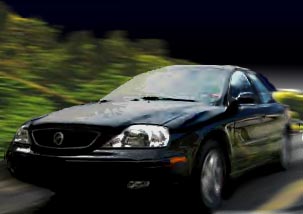
I open another picture, this one of a creek, and paste the Merc into a new Layer. Think of layers as overlapping panes of glass. some you can see right through, others have images on them. To make a new layer, go to your Layers pallette and go to the little icon that looks like a little Post-It notepad, next to the Trashcan. Make sure the layers you want on top of the picture are on top of the Layers stack, click on the layername in the pallette and drag it higher or lower.
I open another picture, this one of a creek, and paste the Merc into a new Layer. Think of layers as overlapping panes of glass. some you can see right through, others have images on them. To make a new layer, go to your Layers pallette and go to the little icon that looks like a little Post-It notepad, next to the Trashcan. Make sure the layers you want on top of the picture are on top of the Layers stack, click on the layername in the pallette and drag it higher or lower.Original file
I open another picture, this one of a creek, and paste the Merc into a new Layer. Think of layers as overlapping panes of glass. some you can see right through, others have images on them. To make a new layer, go to your Layers pallette and go to the little icon that looks like a little Post-It notepad, next to the Trashcan. Make sure the layers you want on top of the picture are on top of the Layers stack, click on the layername in the pallette and drag it higher or lower.

I open another picture, this one of a creek, and paste the Merc into a new Layer. Think of layers as overlapping panes of glass. some you can see right through, others have images on them. To make a new layer, go to your Layers pallette and go to the little icon that looks like a little Post-It notepad, next to the Trashcan. Make sure the layers you want on top of the picture are on top of the Layers stack, click on the layername in the pallette and drag it higher or lower.

Owner caption · Photo 116 of 181

Is this accurate? Sign in to help verify it.
Comments

No comments yet.

More 1992-1995 Tauruss