SuperMotors SuperMotors SUPERMOTORS Search: try “orange Bronco on 35s”
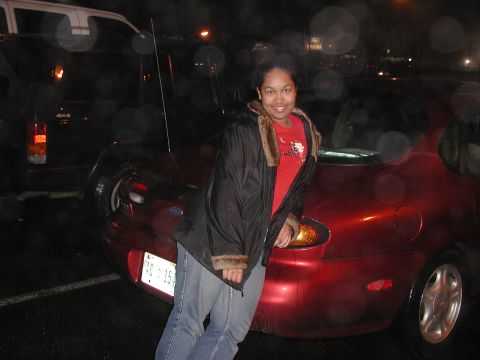
Home/ Registry/ Ford/ Taurus/ 1992-1995/ “Marilyn”/ Photo supermotors.net/registry/media/37944

Now, I select the highlit roof and winshield, cut, create a new…

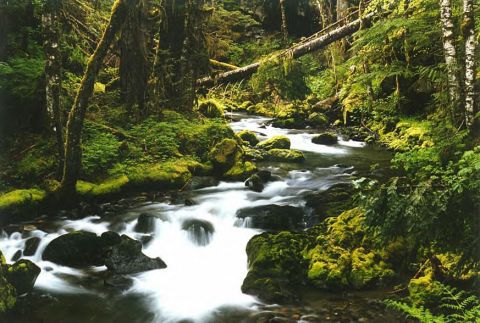
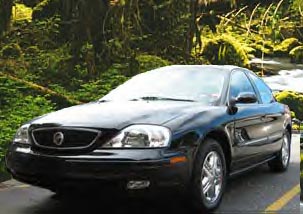
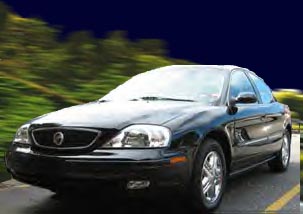
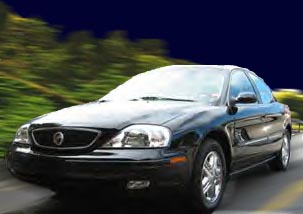
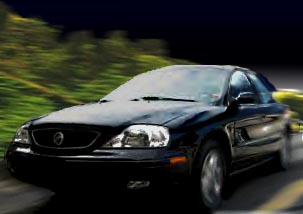
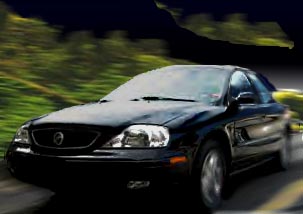
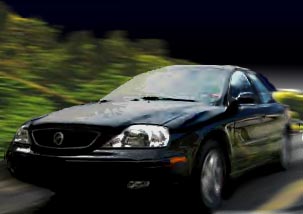
Now, I select the highlit roof and winshield, cut, create a new layer, and paste them onto it. By clicking on the eveball in the Layers palette, you can make layers visible/invisible. The background sky layer was "faded" using the Gradient tool, found "underneath" (click and hold) the Paint Bucket.
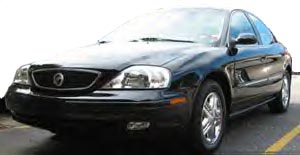
Now, I select the highlit roof and winshield, cut, create a new layer, and paste them onto it. By clicking on the eveball in the Layers palette, you can make layers visible/invisible. The background sky layer was "faded" using the Gradient tool, found "underneath" (click and hold) the Paint Bucket.Original file
Now, I select the highlit roof and winshield, cut, create a new layer, and paste them onto it. By clicking on the eveball in the Layers palette, you can make layers visible/invisible. The background sky layer was "faded" using the Gradient tool, found "underneath" (click and hold) the Paint Bucket.

Now, I select the highlit roof and winshield, cut, create a new layer, and paste them onto it. By clicking on the eveball in the Layers palette, you can make layers visible/invisible. The background sky layer was "faded" using the Gradient tool, found "underneath" (click and hold) the Paint Bucket.

Owner caption · Photo 123 of 181

Is this accurate? Sign in to help verify it.
Comments

No comments yet.

More 1992-1995 Tauruss