SuperMotors SuperMotors SUPERMOTORS Search: try “orange Bronco on 35s”
Home/ Registry/ Ford/ Taurus/ 1992-1995/ “Marilyn”/ Photo supermotors.net/registry/media/37950

Filters-Render-Lens Flare will give you the effect needed for th…
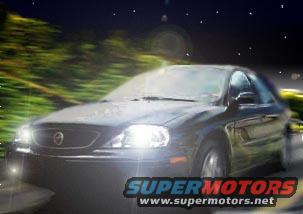
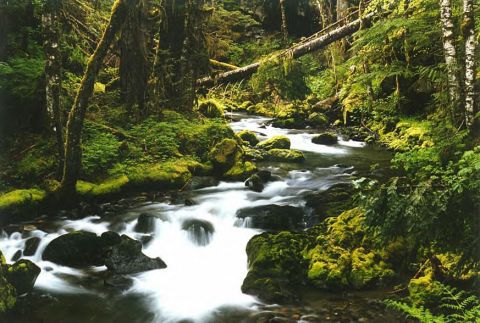
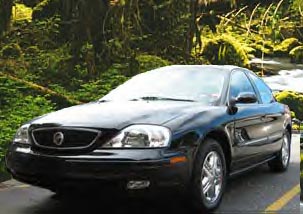
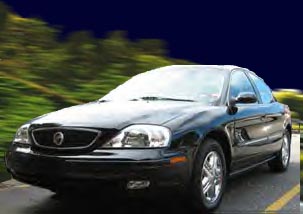
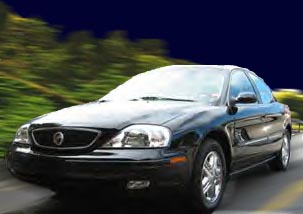
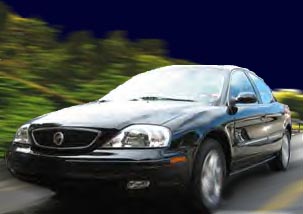
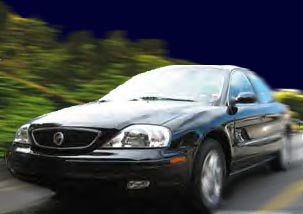
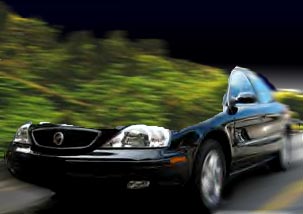
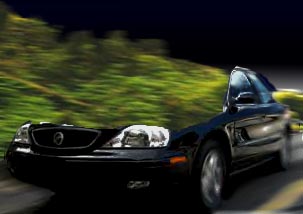
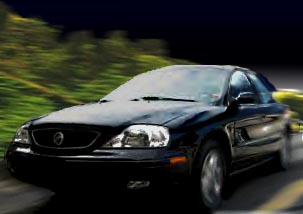
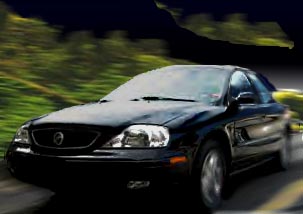
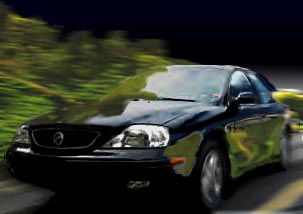
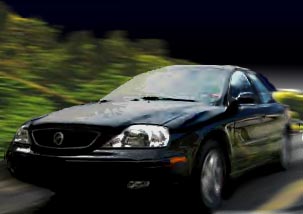
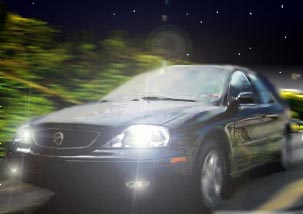
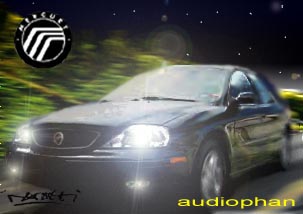
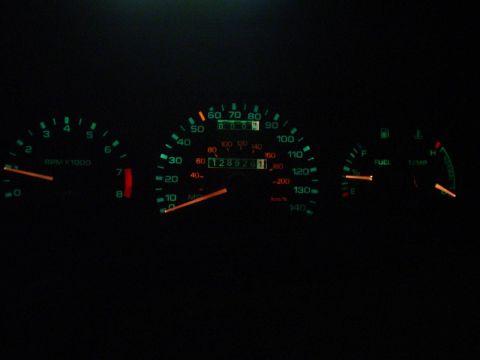
Filters-Render-Lens Flare will give you the effect needed for the headlights. At this point, you will have to flaten the image to make it work. In your Layers pallette's right hand side, there is a little triangle facing right. Click and Hold, and select Flatten Image. All your Layers are on a single pane of glass.
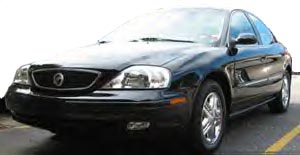
Filters-Render-Lens Flare will give you the effect needed for the headlights. At this point, you will have to flaten the image to make it work. In your Layers pallette's right hand side, there is a little triangle facing right. Click and Hold, and select Flatten Image. All your Layers are on a single pane of glass.Original file
Filters-Render-Lens Flare will give you the effect needed for the headlights. At this point, you will have to flaten the image to make it work. In your Layers pallette's right hand side, there is a little triangle facing right. Click and Hold, and select Flatten Image. All your Layers are on a single pane of glass.

Filters-Render-Lens Flare will give you the effect needed for the headlights. At this point, you will have to flaten the image to make it work. In your Layers pallette's right hand side, there is a little triangle facing right. Click and Hold, and select Flatten Image. All your Layers are on a single pane of glass.

Owner caption · Photo 129 of 181

Is this accurate? Sign in to help verify it.
Comments

No comments yet.

More 1992-1995 Tauruss