Home/
Registry/
Ford/
LTD Crown Victoria/
1983-1991/
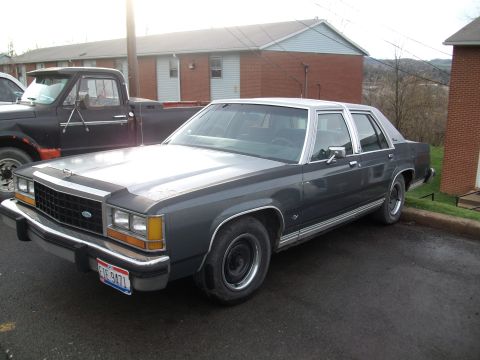
“Dorothy”/
Photo
supermotors.net/registry/media/457256
Tripminder button function chart and clock and elapsed time rese…
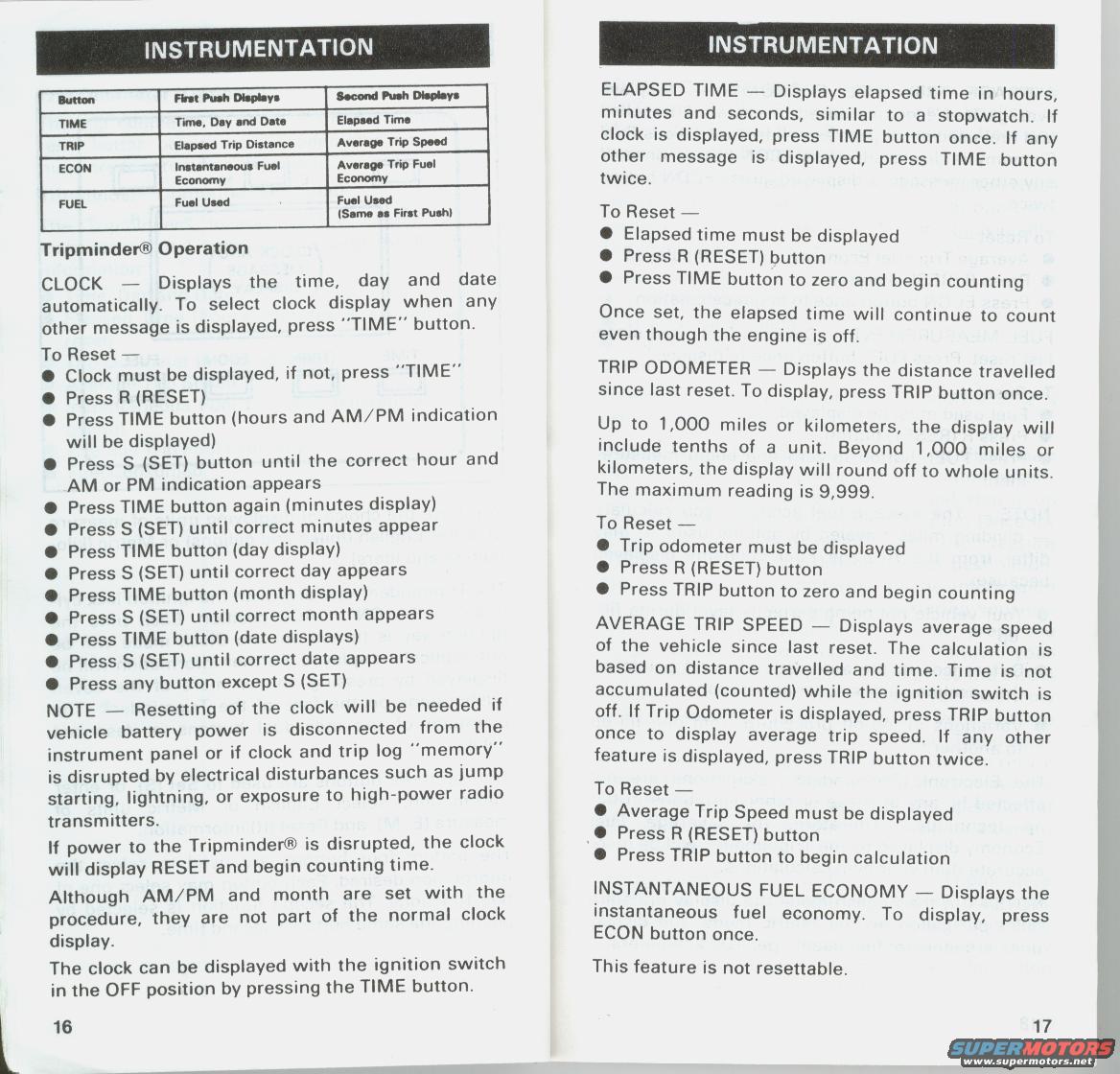
Reference · 1983-1991 LTD Crown VictoriaAll 12 manual pages
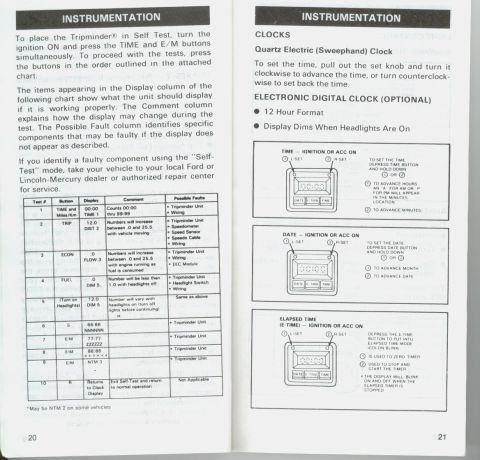
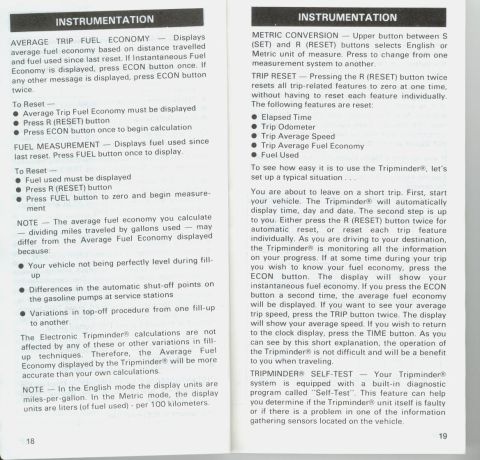
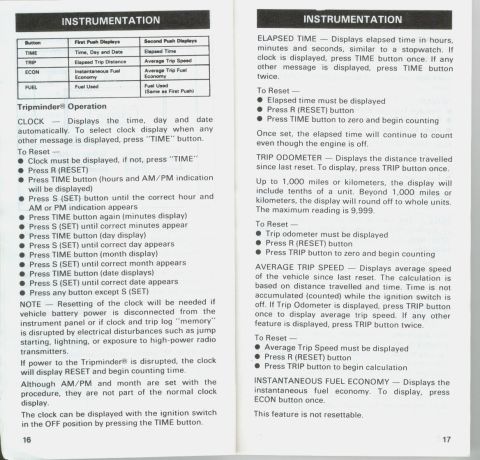
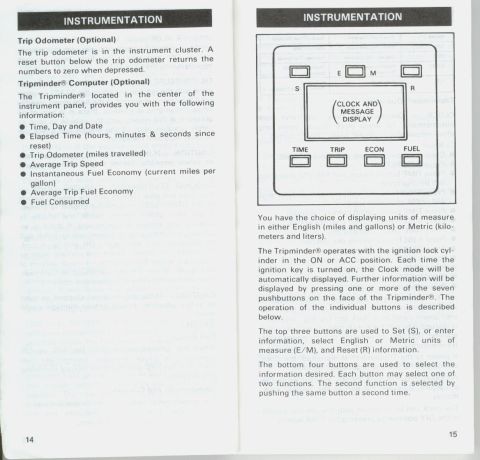
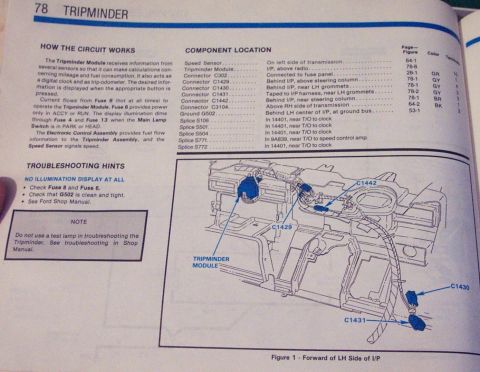

Owner's manual page 16 covering Tripminder operation: button chart, clock setting, elapsed time, trip odometer and average trip speed reset steps.
Part of 1983-1991 Ford LTD Crown Victoria Manual Pages
INSTRUMENTATION ..... "so, as... TIME Thin, DIN Ind Dm Ellpud Tim m. WW..- WWW ...........,.. mm... m... m... a W r;;:~;......t. Tripmindei Operation CLOCK 7 Displays the time, day and date automatically, To select clock display when any other message is displayed, press "TIME button, To Reset 7 I Clock must be displayed, if not, press TIME 0 Press R (RESET) . I Press TIME button (hours and AM/PM indication WIII be displayed) Press S (SET) button until the correct hour and AM or PM indication appears Press TIME button again (minutes display) Press 5 (SET) until correct minutes appear Press TIME button (day display) Press 5 (SET) until correct day appears Press TIME button (month display) Press 5 (SET) until correct month appears Press TIME button (date displays) Press S (SET) until correct date appears Press any button except S (SET) NOTE - Resetting of the clock WIII be needed ii vehicle battery power is disconnected from the instrument panel or if clock and trip log "memory" is disrupted by electrical disturbances such as )ump starting. lightning, or exposure to high-power radio transmitters. Ii power to the Tripminder is disrupted, the clock will display RESET and begin counting time. Although AM/PM and month are set with the procedure, they are not part of the normal clock display. The clock can be displayed With the ignition swrtch in the OFF position by pressing the TIME button. i INSTRUMENTATION ELAPSED TIME 7 Displays elapsed time in hours, minutes and seconds, Similar to a stopwatch. ll clock is displayed, press TIME button once. If any other message is displayed, press TIME button thCe. To Reset 7 O Elapsed time must be displayed I Press R (RESET) button 0 Press TIME button to zero and begin counting Once set, the elapsed time will continue to count even though the engine is oil TRIP ODOMETER ~ Displays the distance travelled Since last reset. To display, press TRIP button once. Up to 1.000 miles or kilometers, the display will include tenths of a unit. Beyond 1,000 miles or kilometers, the display WIII round oil to whole units The maximum reading is 9,999 To Reset 7 I Trip odometer must be displayed 0 Press R (RESET) button 0 Press TRIP button to zero and begin counting AVERAGE TRIP SPEED 7 Displays average speed at the vehicle since last reset The calculation is based on distance travelled and time Time is not accumulated (counted) while the ignition switch is o". If Trip Odometer is displayed, press TRIP button once to display average trip speed. If any other feature is displayed, press TRIP button twice. To Reset 7 0 Average Trip Speed must be displayed 0 Press R (RESET) button 0 Press TRIP button to begin calculation INSTANTANEOUS FUEL ECONOMY 7 Displays the instantaneous fuel economy, To display, press ECON button once. This feature is not resettable. 17 we:
Is this accurate? Sign in to help verify it.
No comments yet.