Home/
Registry/
Ford/
Probe/
1993-1997/
1995 Ford Probe/
Photo
supermotors.net/registry/media/465104
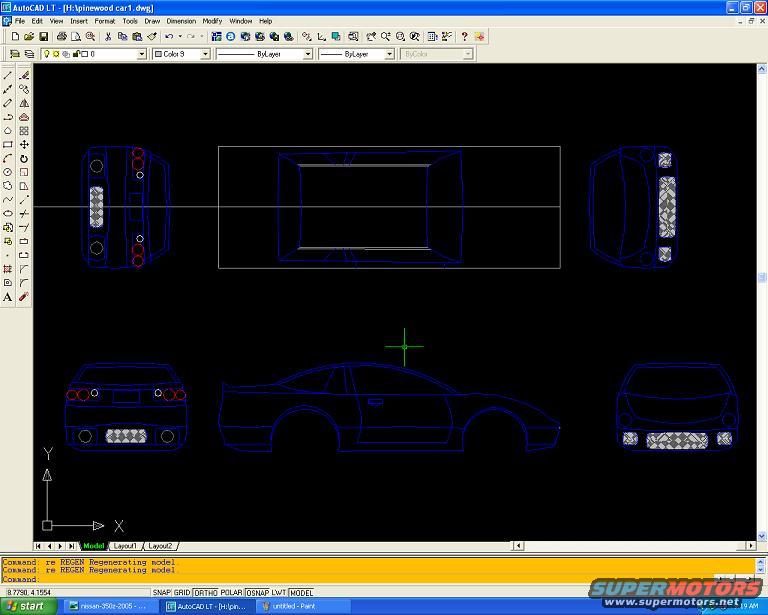
AutoCAD LT Car Body Blueprint Screenshot - Multi-View Sports Car CAD Drawing
Reference · 1993-1997 ProbeAll 7 blueprints
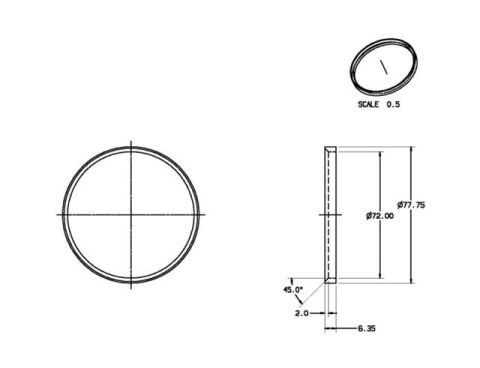
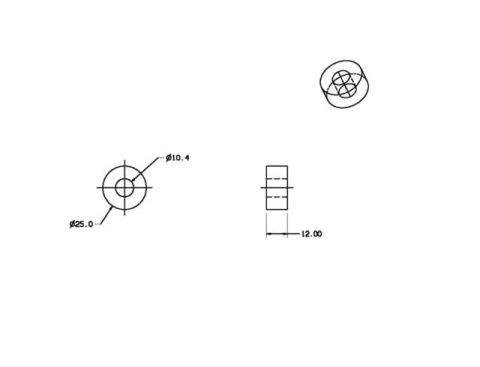
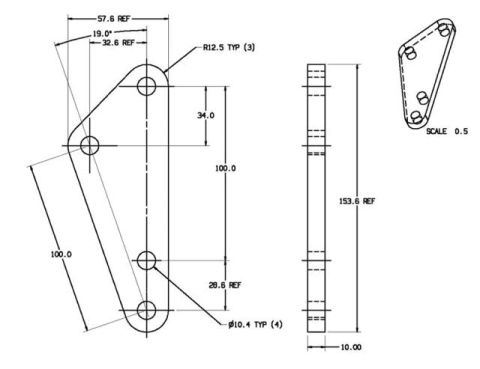
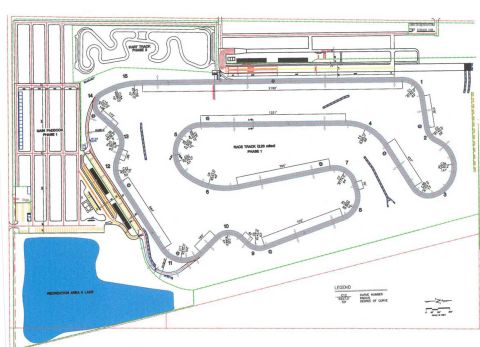
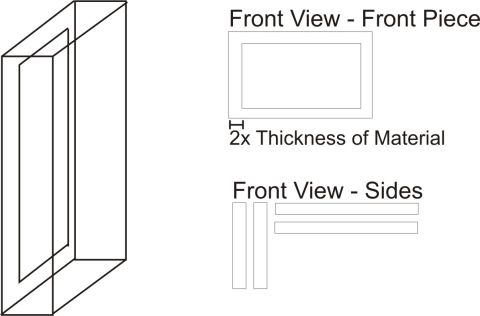
AutoCAD engineering drawing showing orthographic front, side, rear and top views of a sports car.
Part of 1993-1997 Ford Probe Blueprints
This document is a screen capture of AutoCAD LT running on Windows XP, displaying an open drawing file named "pinewood car1.dwg" stored on drive H. The drawing is a multi-view wireframe blueprint of a sports car body, showing five orthographic views: a top (plan) view enclosed in a rectangular reference box, two side profile views (mirrored left and right), a rear view with taillights and license plate area, and a front view with headlights and grille. Coordinate axes (X and Y) are shown at the lower left of the model space, and the Model/Layout1/Layout2 tabs are visible. The AutoCAD command line shows two "re REGEN Regenerating model" commands. The status bar displays cursor coordinates 8.7790, 4.1554 and drafting mode toggles (SNAP, GRID, ORTHO, POLAR, OSNAP, LWT, MODEL). The Windows taskbar shows other open items including a file referencing "nissan-350z-2005" and an untitled Paint document, with the time 9:19 AM. The document contains no fuse data, wiring information, part numbers, dimensions, or year/model applicability text, it serves as a visual reference of a CAD car body design project (apparently a pinewood derby car project based on the filename).
Is this accurate? Sign in to help verify it.
Frequently asked questions
- What software was used to create this car drawing?
- AutoCAD LT, as shown in the application title bar. The screenshot also shows Windows Paint open in the taskbar.
- What is the filename of the CAD drawing shown?
- The open file is H:\pinewood car1.dwg.
- What views of the car does the blueprint include?
- It includes a top (plan) view, two side profile views, a rear view, and a front view of the car body.
- What commands are visible in the AutoCAD command line?
- Two instances of 'Command: re REGEN Regenerating model.' followed by an empty Command prompt.
- What drafting modes are shown in the status bar?
- SNAP, GRID, ORTHO, POLAR, OSNAP, LWT, and MODEL, with cursor coordinates 8.7790, 4.1554.
No comments yet.