Home/
Registry/
Ford/
Bronco/
1992-1996/
1993 Ford Bronco/
Photo
supermotors.net/registry/media/601702
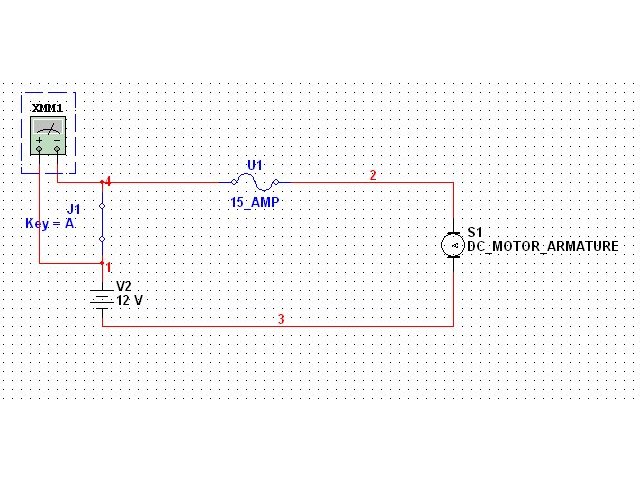
12V Switched Fused DC Motor Circuit Simulation - Switch Closed Multimeter Test
Reference · 1992-1996 BroncoAll 411 wiring diagrams
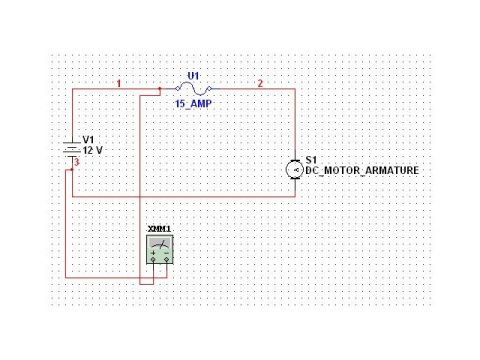
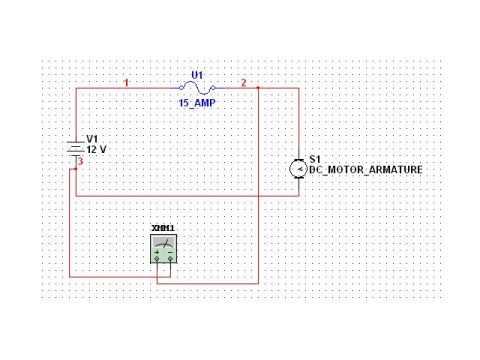
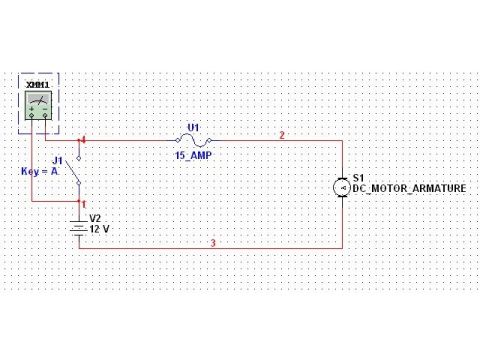
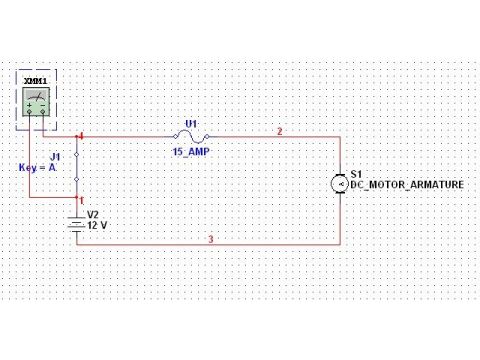
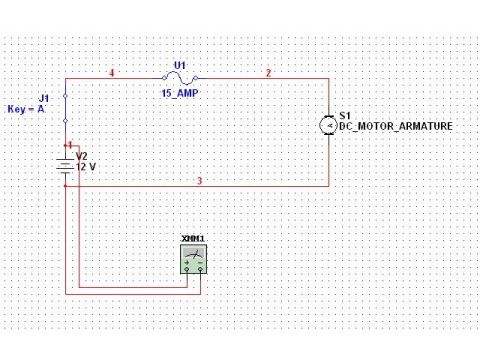
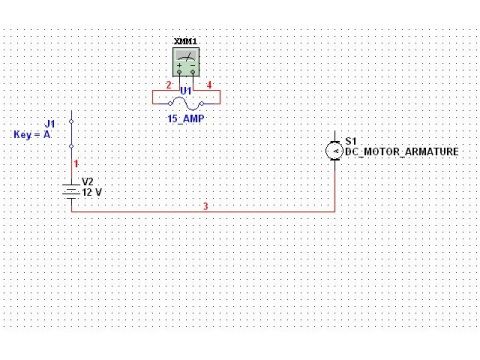
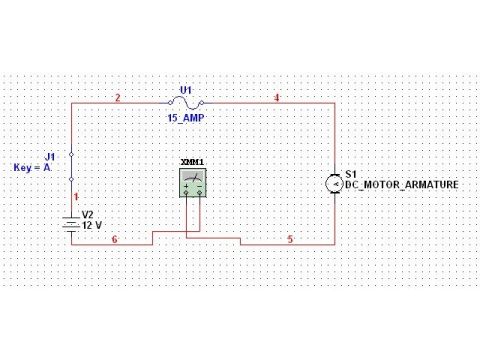
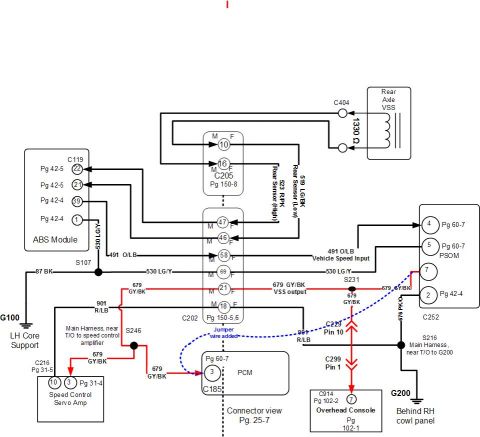
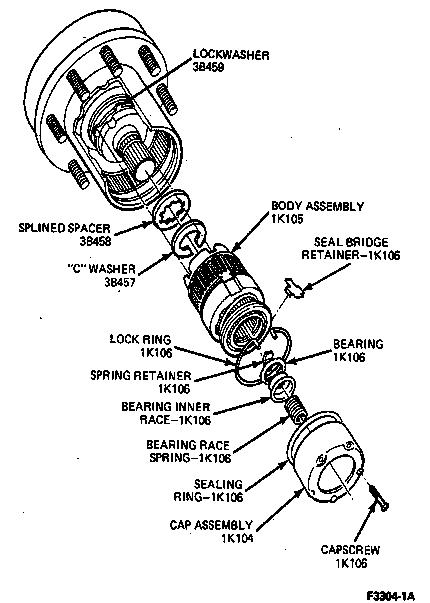
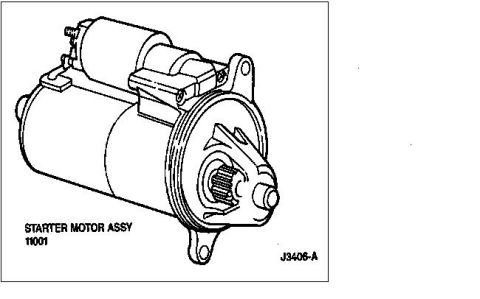
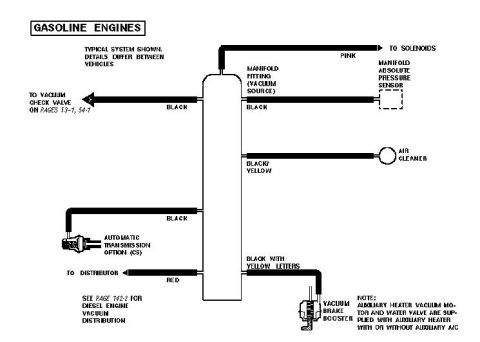

Electrical circuit schematic showing a multimeter, switch, 15 amp fuse, 12V source, and DC motor armature.
Part of 1992-1996 Ford Bronco Wiring Diagrams
This document is a screenshot of a simple simulated electrical circuit (drawn in circuit-simulation software such as Multisim) rather than a factory wiring diagram. It shows a basic series circuit representing a switched, fused DC motor circuit like those found in a vehicle. The circuit consists of: a 12-volt DC source labeled V2 (12 V); a switch labeled J1 with the annotation 'Key = A' (meaning the 'A' key toggles the switch in the simulator); a fuse labeled U1 rated at 15_AMP; a load labeled S1, identified as DC_MOTOR_ARMATURE; and a multimeter instrument labeled XMM1 connected across the switch J1. Circuit nodes/nets are numbered 1, 2, 3, and 4. The filename 'SWTCH CLSD.jpg' and companion files in the album (AMP, FUSE, SRCVLT, SWTCH OP, TestVLT2, tstvlt1) suggest this is one frame of a training/demonstration series measuring voltage across a switch in closed versus open states. A reader can learn the basic topology of a fused, switched 12 V motor circuit and where a meter is placed to test voltage drop across the switch. The document contains no vehicle-specific information, part numbers, wire colors, or year/model applicability.
Is this accurate? Sign in to help verify it.
Frequently asked questions
- What is the fuse rating shown in this circuit?
- The fuse U1 is labeled 15_AMP (15 amps).
- What voltage source is used in the circuit?
- A 12 V DC source labeled V2.
- What is the load in this circuit?
- The load is S1, labeled DC_MOTOR_ARMATURE (a DC motor armature).
- Where is the multimeter connected?
- The multimeter XMM1 is connected across the switch J1 (which is toggled by the key 'A' per the label 'Key = A').
- How is the switch operated in the simulation?
- The label 'Key = A' indicates the switch J1 is toggled by pressing the 'A' key in the simulation software.






No comments yet.